chunky-bevy
| Crates.io | chunky-bevy |
| lib.rs | chunky-bevy |
| version | 0.18.0 |
| created_at | 2025-11-26 11:18:12.930334+00 |
| updated_at | 2026-01-14 19:28:59.561326+00 |
| description | A simple and efficient chunk management system for Bevy |
| homepage | |
| repository | https://github.com/ChousX/chunky-bevy |
| max_upload_size | |
| id | 1951262 |
| size | 1,304,215 |
 A. Garrett Gelwick III (ChousX)
documentation
README
Chunky Bevy
 A simple and efficient chunk management system for Bevy game engine, perfect for voxel games, procedural worlds, and any application that needs spatial partitioning.
Features
- 🎯 Simple API - Easy to use chunk management with minimal boilerplate
- 🔄 Automatic Loading - Optional chunk loader component for automatic chunk spawning around entities
- 🗑️ Automatic Unloading - Configurable strategies for chunk lifecycle management (distance, limit, or hybrid)
- 💾 Persistence - Save and load chunk data with configurable storage strategies (New and not as teasted as I would like)
- 👁️ Visualization - Built-in debug visualization for chunk boundaries
- ⚡ Efficient - HashMap-based chunk lookup with O(1) access
- 🎮 Bevy Integration - First-class Bevy ECS integration with hooks and resources
Quick Start
Add to your Cargo.toml:
[dependencies]
bevy = "0.17"
chunky-bevy = "0.2"
Basic usage:
use bevy::prelude::*;
use chunky_bevy::prelude::*;

fn main() {
    App::new()
        .add_plugins(DefaultPlugins)
        .add_plugins(ChunkyPlugin::default()) // 10x10x10 chunks
        .add_systems(Startup, setup)
        .run();
}

fn setup(mut commands: Commands) {
    // Spawn a chunk loader that generates chunks around it
    commands.spawn((
        Transform::default(),
        ChunkLoader(IVec3::new(2, 1, 2)), // Load 5x3x5 chunks
    ));

    // Manually spawn a specific chunk
    commands.spawn((
        Chunk,
        ChunkPos(IVec3::new(0, 0, 0)),
    ));
}
Features
Default Features
chunk_visualizer- Enables debug visualization of chunk boundarieschunk_loader- Enables automatic chunk loading around ChunkLoader entitieschunk_unloader- Enables automatic chunk unloading with configurable strategieschunk_saver- Enables chunk persistence with save/load functionality
Optional Features
reflect- Enables Bevy reflection for all typeschunk_info- Logs chunk spawn/despawn events
Disable default features:
chunky-bevy = { version = "0.2", default-features = false }
Components
Chunk
Marks an entity as a chunk. Automatically registers/unregisters with ChunkManager.
ChunkPos(IVec3)
The chunk's position in chunk-space coordinates. Automatically updates the entity's Transform.
ChunkLoader(IVec3)
Automatically loads chunks in a radius around the entity. The IVec3 defines the loading radius in each direction.
Examples:
ChunkLoader(IVec3::ZERO)- Loads only the chunk the entity is inChunkLoader(IVec3::ONE)- Loads a 3x3x3 cube of chunksChunkLoader(IVec3::new(5, 0, 5))- Loads an 11x1x11 flat area
ChunkPinned
Prevents a chunk from being automatically unloaded. Useful for spawn areas or quest locations.
ChunkUnloadRadius(IVec3)
Defines the unload radius for a specific ChunkLoader. If absent, defaults to the loader's load radius.
Resources
ChunkManager
The main resource for querying and managing chunks.
fn my_system(chunk_manager: Res<ChunkManager>) {
    // Convert world position to chunk position
    let chunk_pos = chunk_manager.get_chunk_pos(&world_pos);

    // Get chunk entity if it exists
    if let Some(entity) = chunk_manager.get_chunk(&chunk_pos) {
        // Do something with the chunk entity
    }

    // Check if a chunk is loaded
    if chunk_manager.is_loaded(&chunk_pos) {
        // Chunk exists
    }
}
Unload Strategy Resources
Chunk unloading is opt-in. Insert resources to enable different strategies:
fn setup(mut commands: Commands) {
    // Distance-based: unload chunks beyond loader radius
    commands.insert_resource(ChunkUnloadByDistance);

    // Limit-based: LRU eviction when chunk count exceeds max
    commands.insert_resource(ChunkUnloadLimit { max_chunks: 1000 });

    // Hybrid (both resources): chunks must be out of range AND over limit
}
Chunk Persistence
Save and load chunk data using the chunk_saver feature (enabled by default).
Basic Setup
use bevy::prelude::*;
use chunky_bevy::prelude::*;
use serde::{Serialize, Deserialize};

#[derive(Component, Serialize, Deserialize, Clone)]
struct VoxelData {
    values: Vec<f32>,
}

fn main() {
    App::new()
        .add_plugins(DefaultPlugins)
        .add_plugins(ChunkyPlugin::default())
        .add_plugins(ChunkSavingPlugin::new("saves/my_world"))
        .register_chunk_data::<VoxelData>() // Register components to save
        .run();
}
Save Styles
Two storage strategies are available:
// One file per chunk (default)
ChunkSavingPlugin::new("saves/world")

// Multiple chunks grouped into super-chunk files
ChunkSavingPlugin::new("saves/world")
    .with_style(SaveStyle::SuperChunk { size: UVec3::splat(4) })
PerChunk: Creates individual files like chunk_0_0_0.chunk. Best for worlds with sparse chunk distribution.
SuperChunk: Groups chunks into larger files like super_0_0_0.chunks. More efficient for dense worlds with many chunks, reducing file system overhead.
Manual Save/Load
fn save_chunk(
    world: &World,
    entity: Entity,
    registry: Res<ChunkDataRegistry>,
    config: Res<ChunkSaveConfig>,
) {
    registry.save(world, entity, &config).unwrap();
}

fn load_chunk(
    mut commands: Commands,
    registry: Res<ChunkDataRegistry>,
    config: Res<ChunkSaveConfig>,
) {
    let pos = IVec3::new(0, 0, 0);
    let entity = commands.spawn((Chunk, ChunkPos(pos))).id();
    registry.load(&mut commands, entity, &config, pos).unwrap();
}
Automatic Save/Load
!WARNING!: This feature has not been tested as well as I would like so please let me know if something is not working as you would expect!
Enable auto-save when chunks unload and auto-load when chunks spawn:
ChunkSavingPlugin::new("saves/world")
    .with_auto_save()  // Save chunks before they're unloaded
    .with_auto_load()  // Load chunk data when chunks spawn
This integrates seamlessly with ChunkLoader and unload strategies for seamless streaming worlds.
Batch Operations
For SuperChunk style, batch operations are more efficient:
// Save multiple chunks (batches writes to same super-chunk file)
registry.save_batch(world, &entities, &config)?;

// Load all chunks from a super-chunk file
let loaded: Vec<(IVec3, Entity)> = registry.load_batch(&mut commands, &config, pos)?;
Events
ChunkUnloadEvent
Sent when a chunk is about to be despawned. Read with MessageReader<ChunkUnloadEvent> to save data before removal.
fn save_chunks(mut events: MessageReader<ChunkUnloadEvent>) {
    for event in events.read() {
        println!("Chunk {:?} unloading: {:?}", event.chunk_pos, event.reason);
    }
}
Visualization
Enable chunk boundary visualization:
fn setup(mut visualizer: ResMut<NextState<ChunkBoundryVisualizer>>) {
    visualizer.set(ChunkBoundryVisualizer::On);
}
Helpers
Spawn multiple chunks at once:
use chunky_bevy::helpers::*;

fn setup(mut commands: Commands) {
    // Spawn chunks from chunk position (0,0,0) to (5,5,5)
    spawn_chunks_rect(&mut commands, IVec3::ZERO, IVec3::new(5, 5, 5));
}
Examples
Run the basic example:
cargo run --example basic
Controls:
- WASD - Move camera
- Q/E - Move camera down/up
- HJKL - Move cube (chunk loader)
- Y/I - Move cube down/up
- Left Mouse Button - Look around
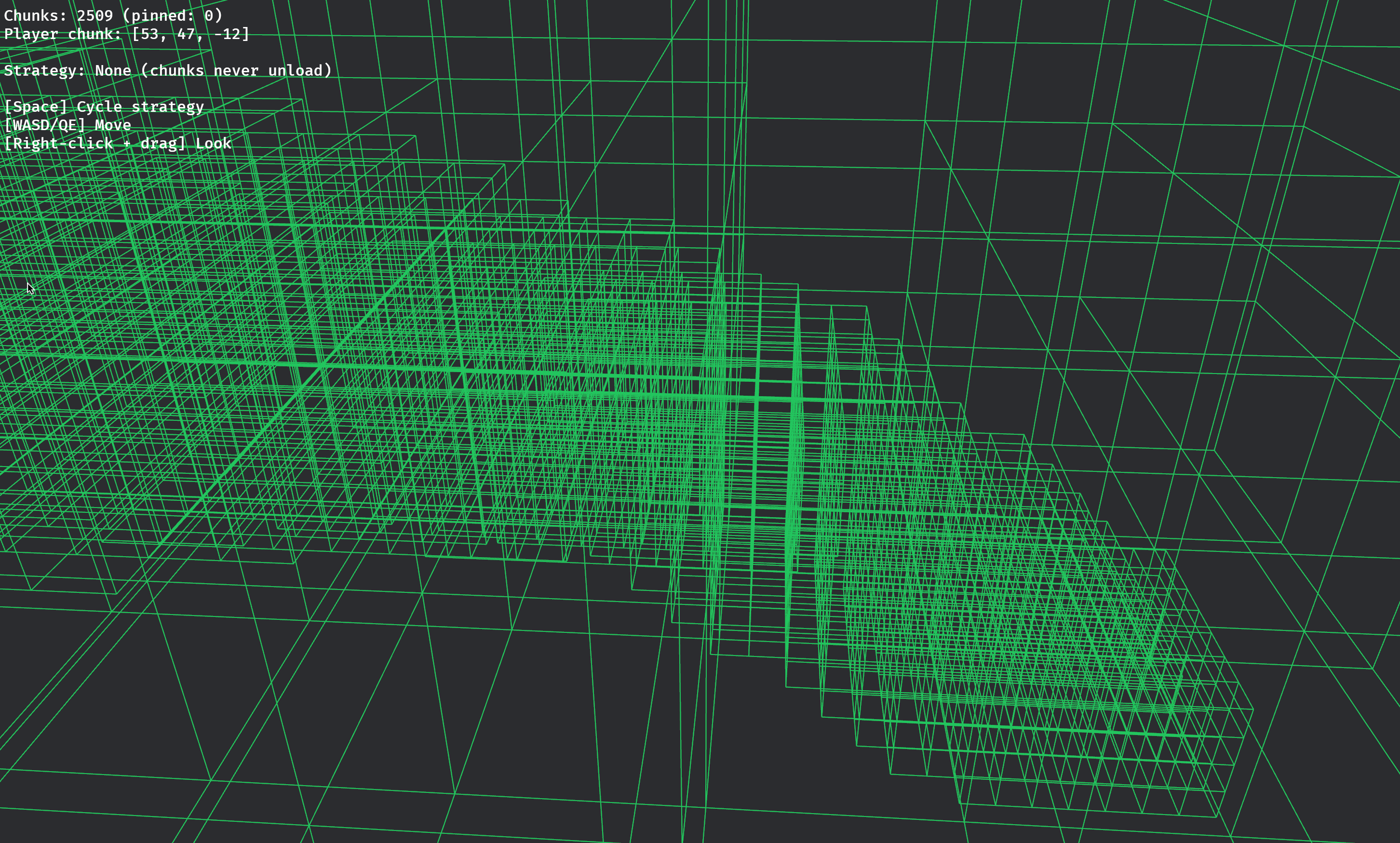
Run the chunk unloading example:
cargo run --example chunk_unloading
Controls:
- WASD - Move horizontally
- Q/E - Move down/up
- Space - Cycle through unload strategies
- Right-click + drag - Look around
Run the chunk saving examples:
# Manual save/load
cargo run --example chunk_saving

# Automatic save/load with streaming
cargo run --example chunk_saving_auto

# Super-chunk batch operations
cargo run --example chunk_saving_super
Bevy Version Compatibility
| Chunky Bevy | Bevy |
|---|---|
| 0.18 | 0.18 |
| 0.2 | 0.17 |
| 0.1 | 0.17 |
License
Licensed under either of:
- Apache License, Version 2.0 (LICENSE-APACHE or http://www.apache.org/licenses/LICENSE-2.0)
- MIT license (LICENSE-MIT or http://opensource.org/licenses/MIT)
at your option.
Contributing
Contributions are welcome! Please feel free to submit a Pull Request.