clay-cli
| Crates.io | clay-cli |
| lib.rs | clay-cli |
| version | 1.1.16 |
| created_at | 2025-09-02 12:17:40.370724+00 |
| updated_at | 2025-11-07 15:13:01.933738+00 |
| description | An AI-powered developer assistant and TUI to streamline your git and project workflows. |
| homepage | https://github.com/canmi21/clay |
| repository | https://github.com/canmi21/clay |
| max_upload_size | |
| id | 1821058 |
| size | 2,674,728 |
 Canmi (canmi21)
documentation
README
Clay - Your Modern Terminal Workspace
Clay is a next-generation command-line utility, written in Rust, designed to be your primary terminal workspace. It enhances the traditional shell experience with a persistent, interactive Terminal User Interface (TUI), while providing a powerful suite of integrated tools for project management, versioning, and AI-assisted development.
At its core, Clay is a high-fidelity terminal emulator that ensures your favorite command-line tools work exactly as you expect.
Features
Clay is built around two core components: an interactive TUI for day-to-day operations and a set of powerful CLI commands for automation and scripting.
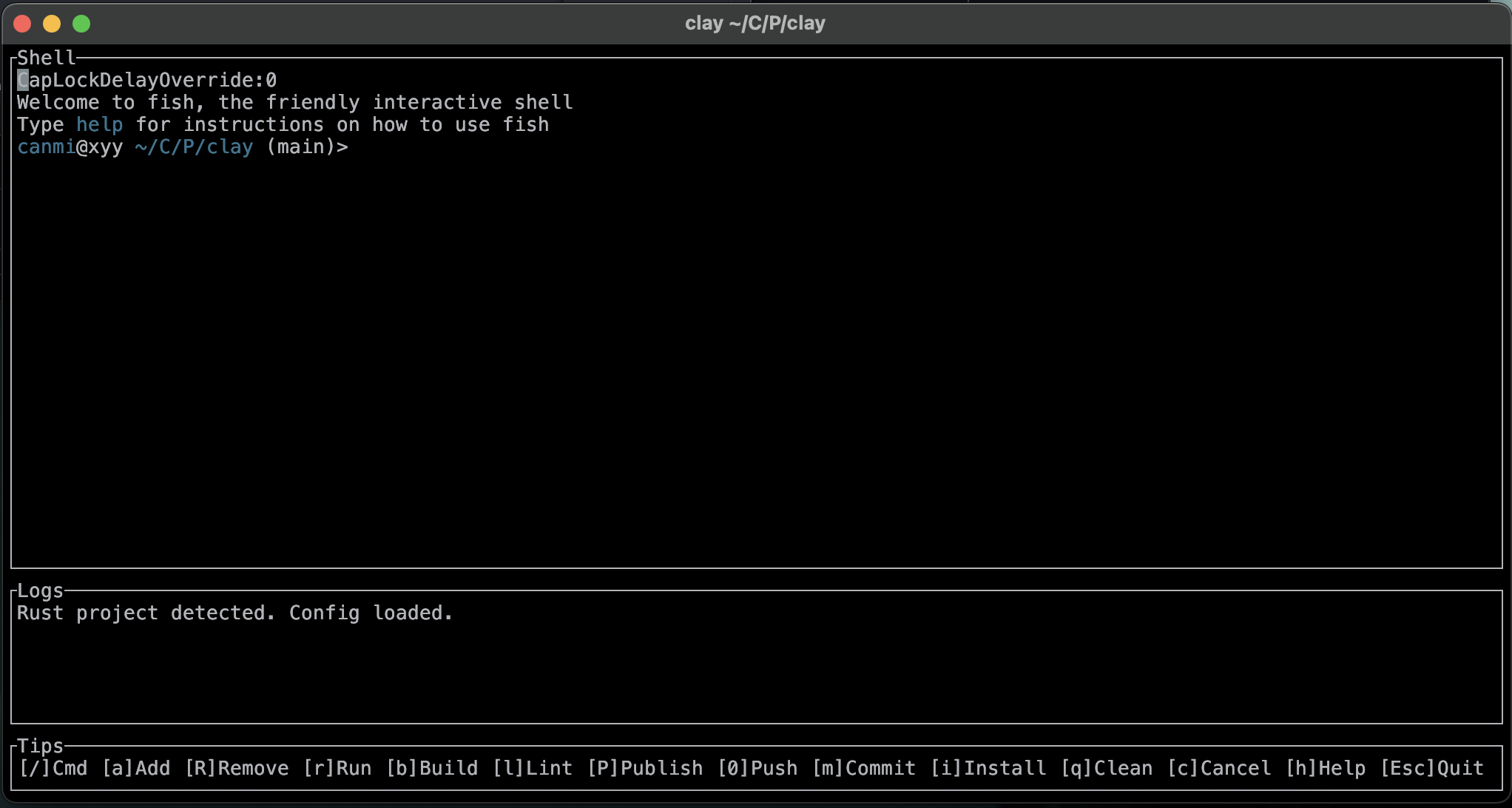
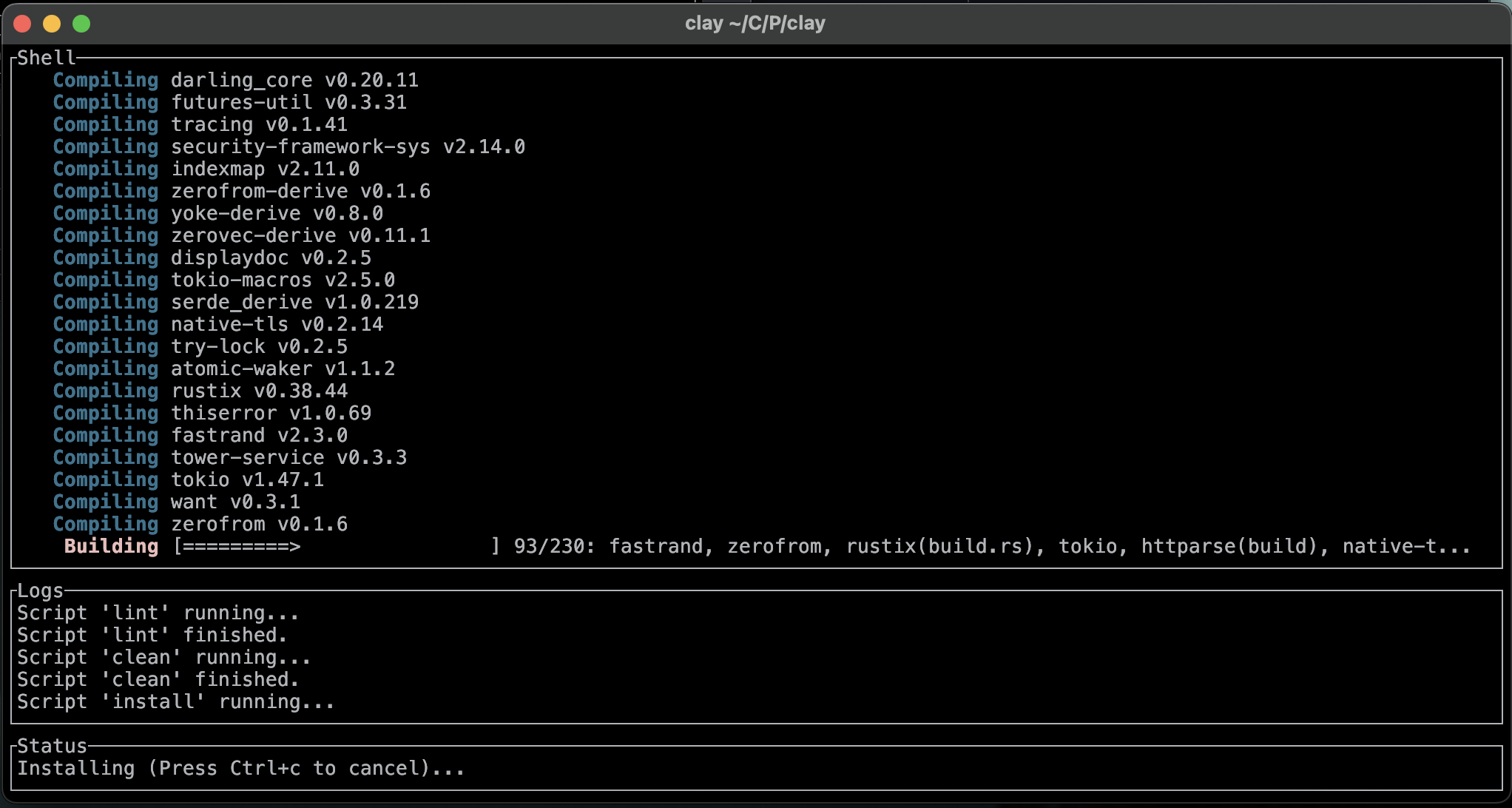
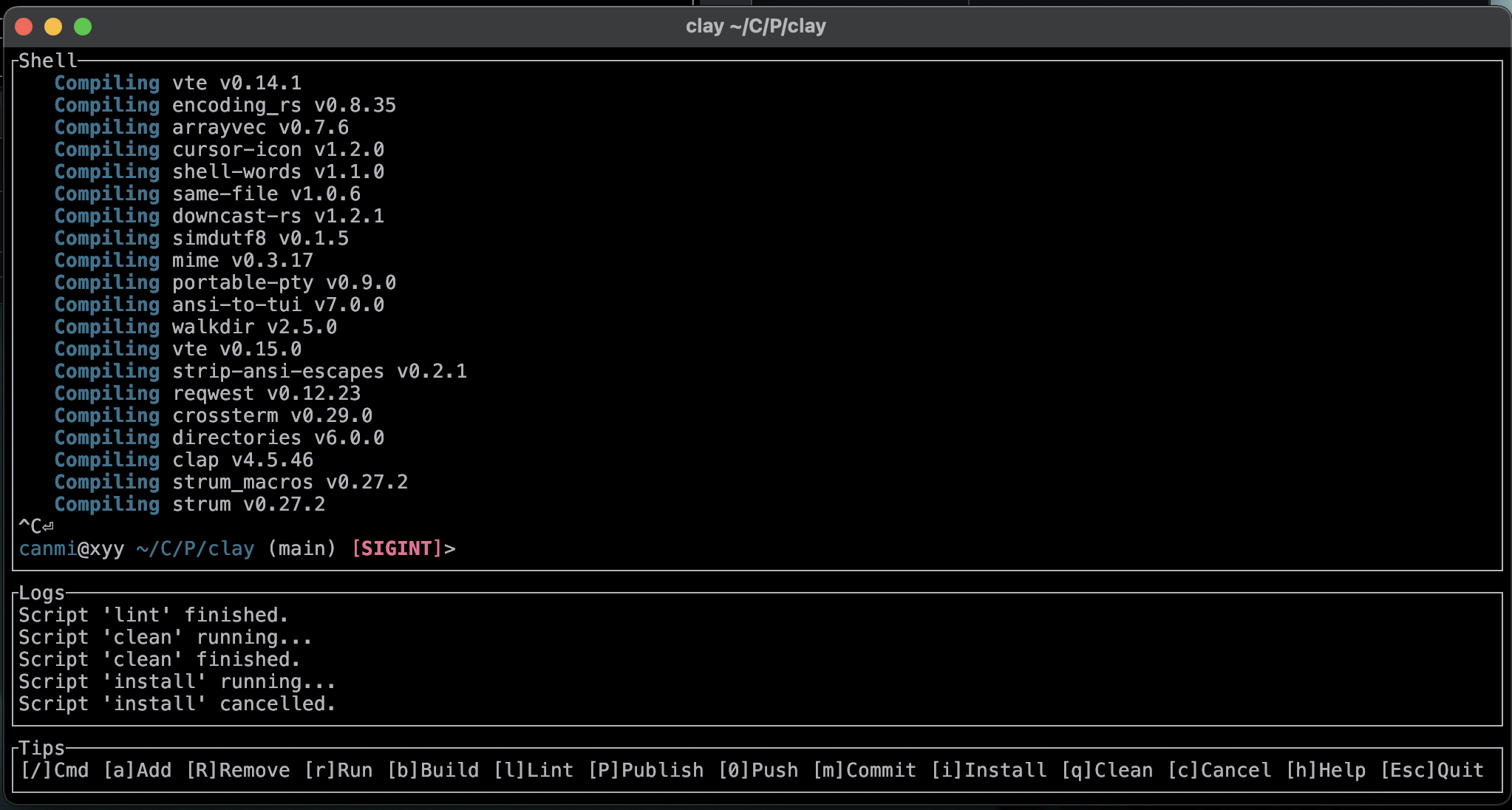
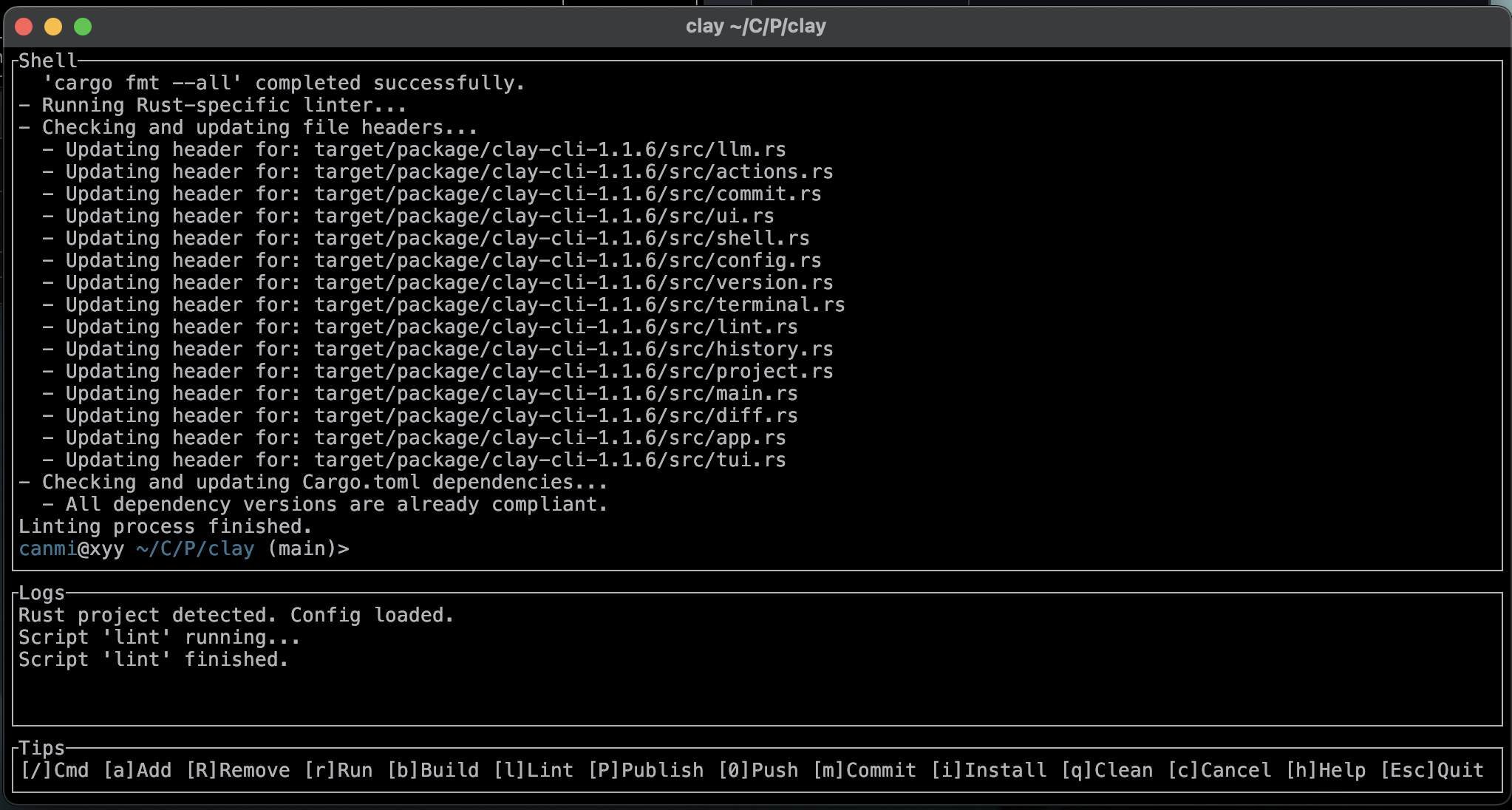
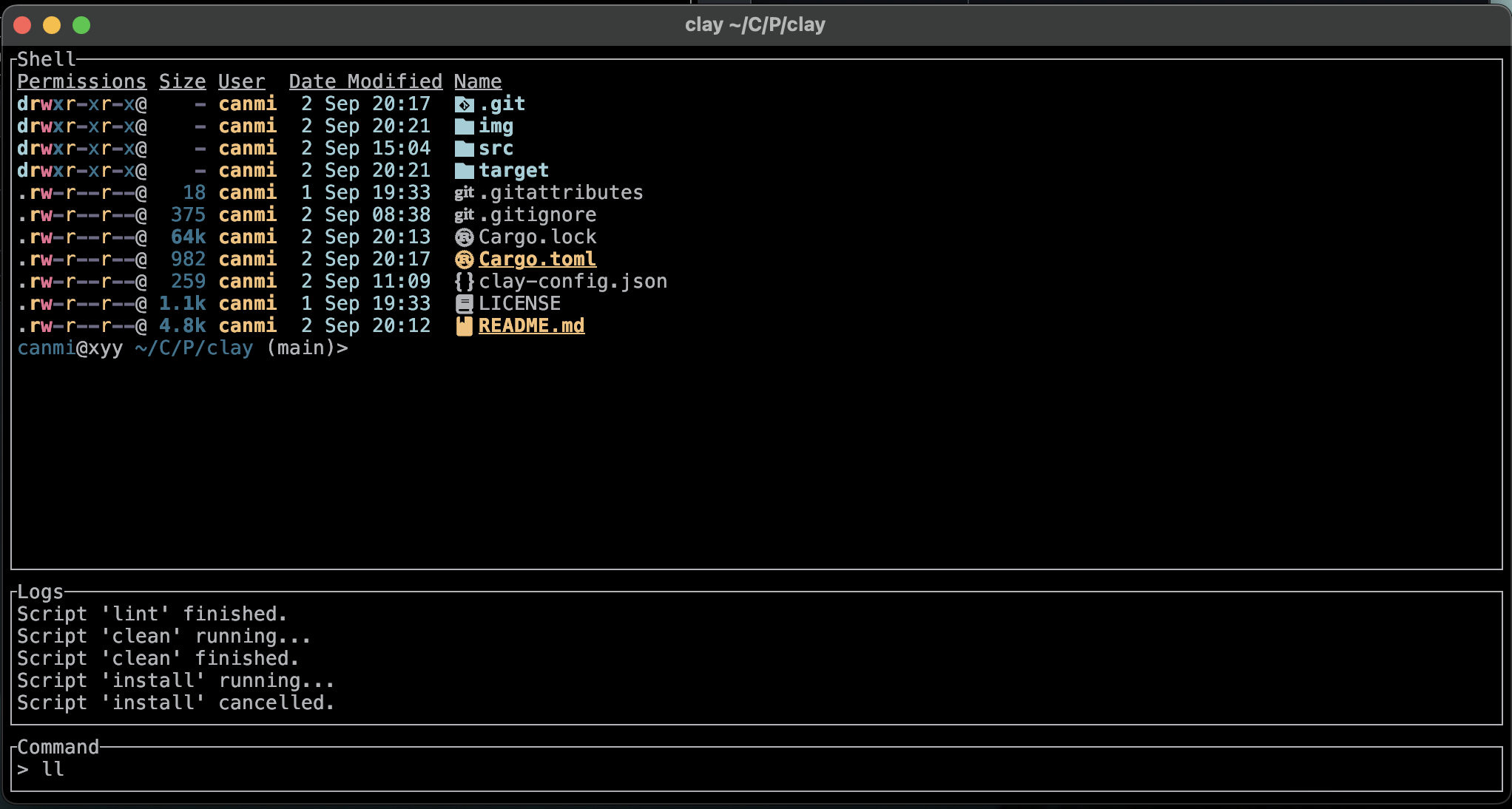
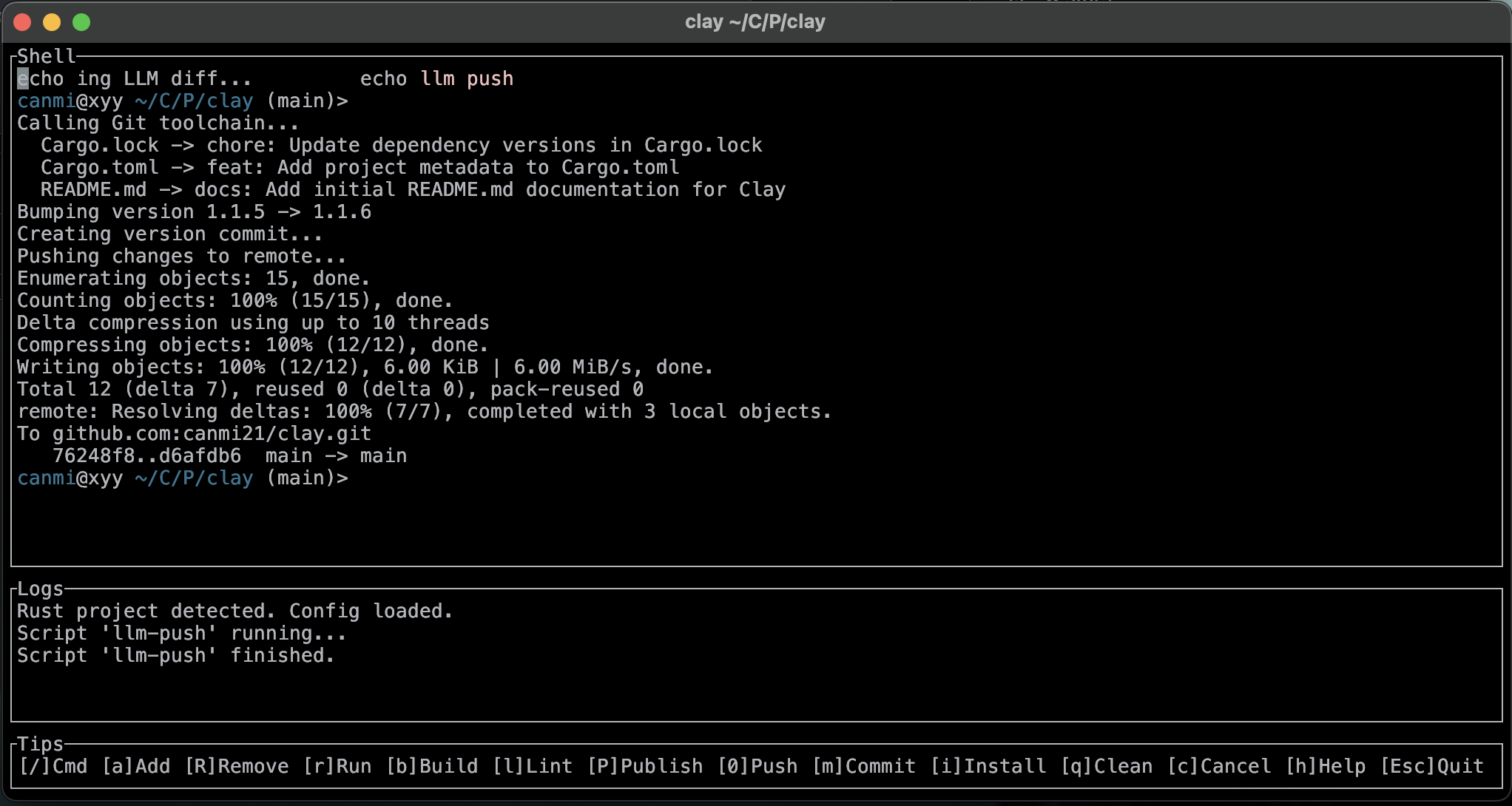
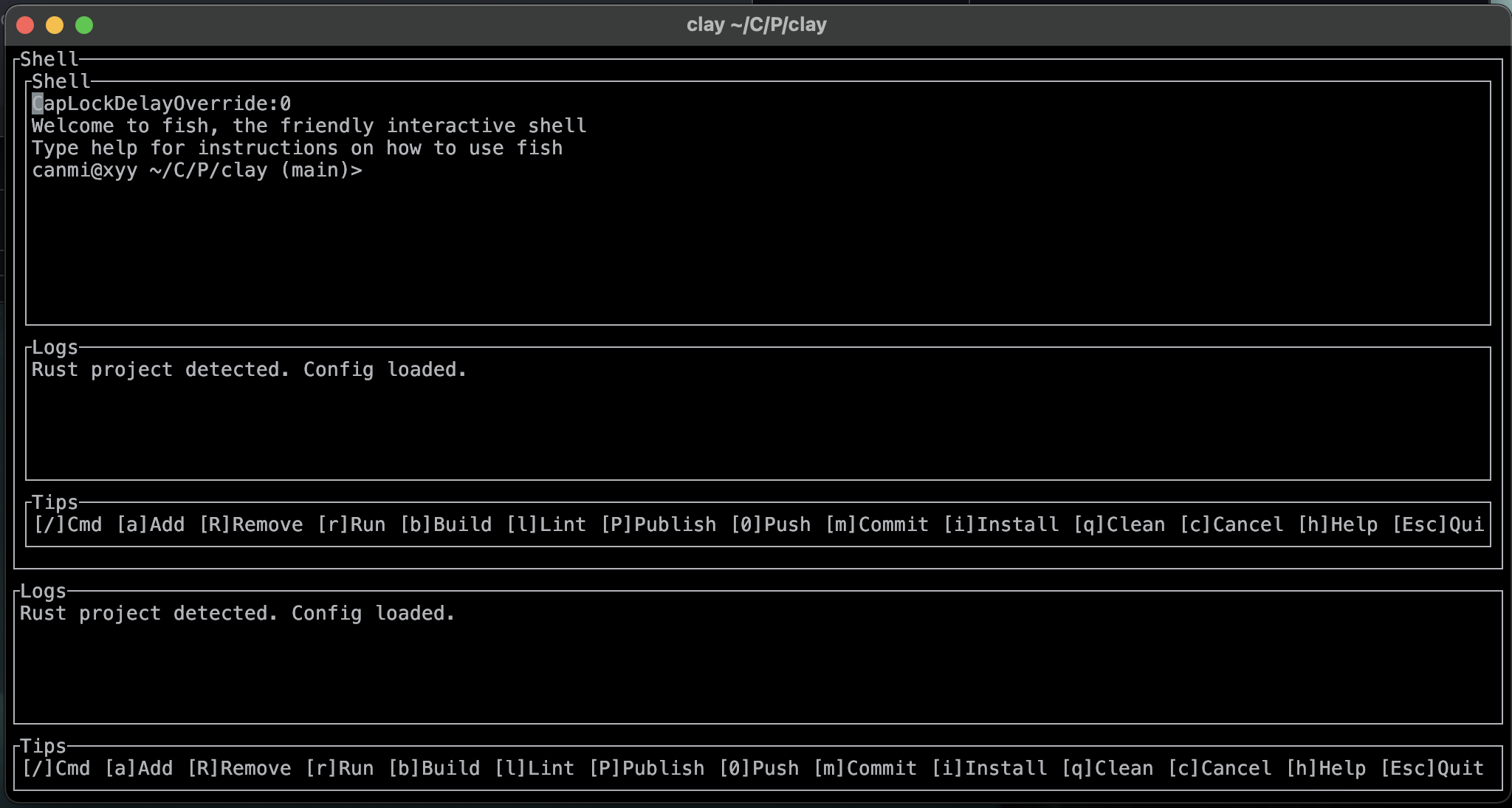
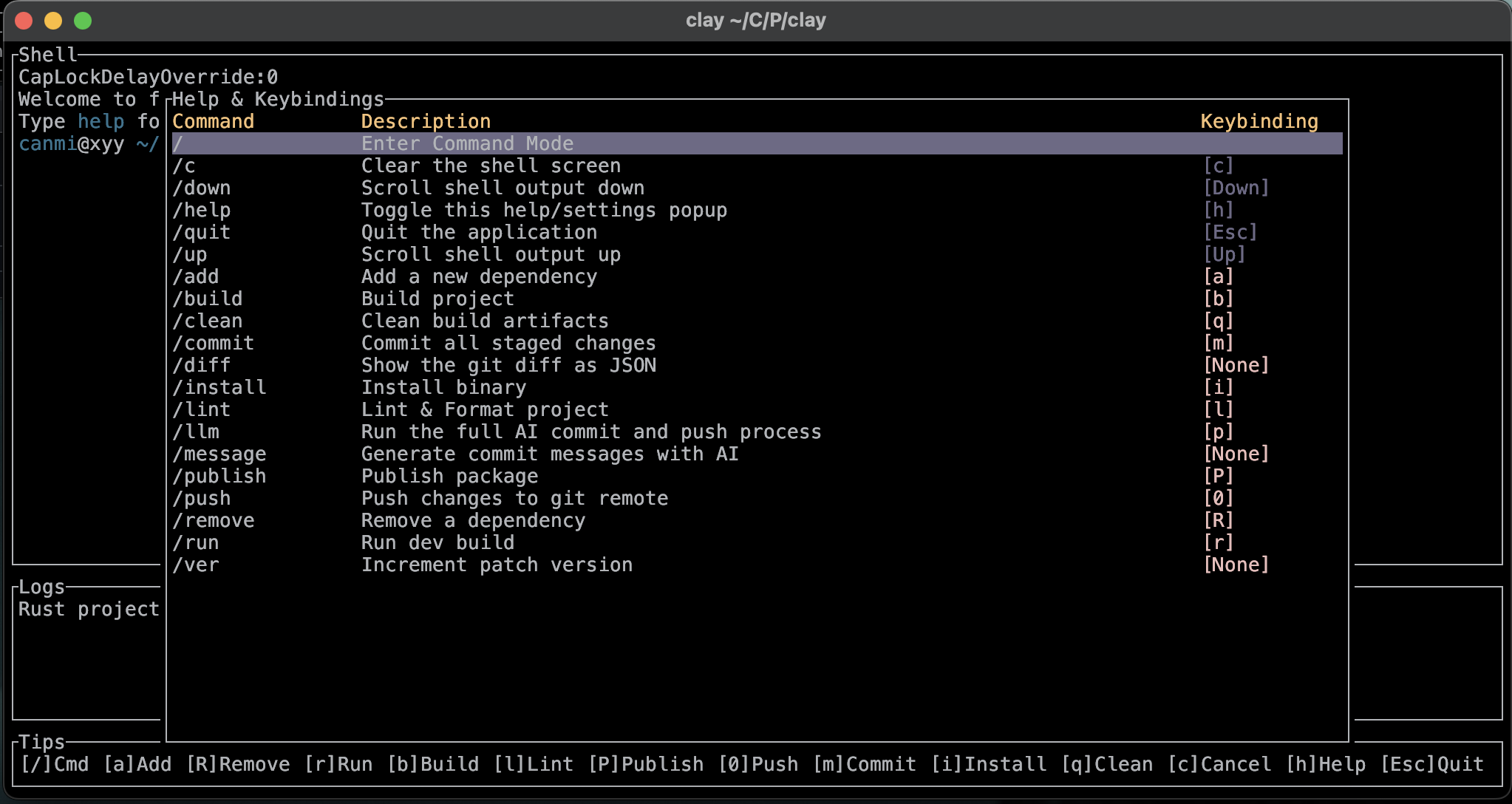
The Interactive TUI: A True Shell Experience
Launch the TUI by simply running clay in your project's root directory. The TUI is designed to be a robust replacement for a standard terminal session.
- High-Fidelity Terminal Emulation: The integrated shell offers full support for ASCII art, ANSI escape codes, and precise cursor positioning. This means complex TUI applications like
vim,htop,lazygit, and others run seamlessly inside Clay, providing a true-to-form experience. - Persistent & Scrollable Session: A central pane gives you a persistent, scrollable pseudoterminal session within your project. Never lose your command history or output again.
- Dynamic Action Bar: A context-aware bottom bar that displays available commands and their keybindings. It also shows the status of ongoing tasks.
- Command Palette: Press
/to enter command mode. You can either execute internal Clay commands (e.g.,/lint,/quit) or run any standard shell command directly. - Customizable Keybindings: Press
hto open the Help & Settings menu, where you can view all available actions and customize their keybindings. Changes are saved globally to~/.clay/config.json. - Intelligent Conflict Resolution: If you assign the same key to multiple actions, Clay will detect the conflict and help you resolve it before saving.
Augmented Tooling (CLI Commands)
Use Clay's CLI for powerful, one-off actions or for integration into scripts. These tools complement the core TUI experience.
AI Workflow (Optional)
clay llm commit: Analyzes your staged git changes (git diff), sends a compact summary to the Gemini API, and generates conventional commit messages for each modified file.clay llm git: A fully automated workflow. It runsclay llm commit, uses the AI-generated messages to commit each file individually, bumps your project's patch version, and creates a final version commit.clay llm push: Runs the entireclay llm gitworkflow and then pushes all commits to your remote repository.clay llm token: Securely sets and stores your Google Gemini API key in~/.clay/token.
Project Management
clay project update: Increments the patch version of your project (e.g.,1.1.5->1.1.6). Currently supportsCargo.toml.clay project bump: Increments the minor version and resets the patch version (e.g.,1.1.6->1.2.0).
Utilities
clay lint: A multi-stage linter. It first runs your project-specific lint command (defined inclay-config.json), then formats file headers, and finally normalizes dependency versions inCargo.toml.clay diff: Generates a compact, LLM-friendly JSON summary ofgit diff. It intelligently truncates large files and includes new, untracked files in the output.
Configuration
Clay uses a combination of global and project-specific configuration files.
- Global Keybindings (
~/.clay/config.json): Your custom keybindings to all TUI actions. - Project Commands (
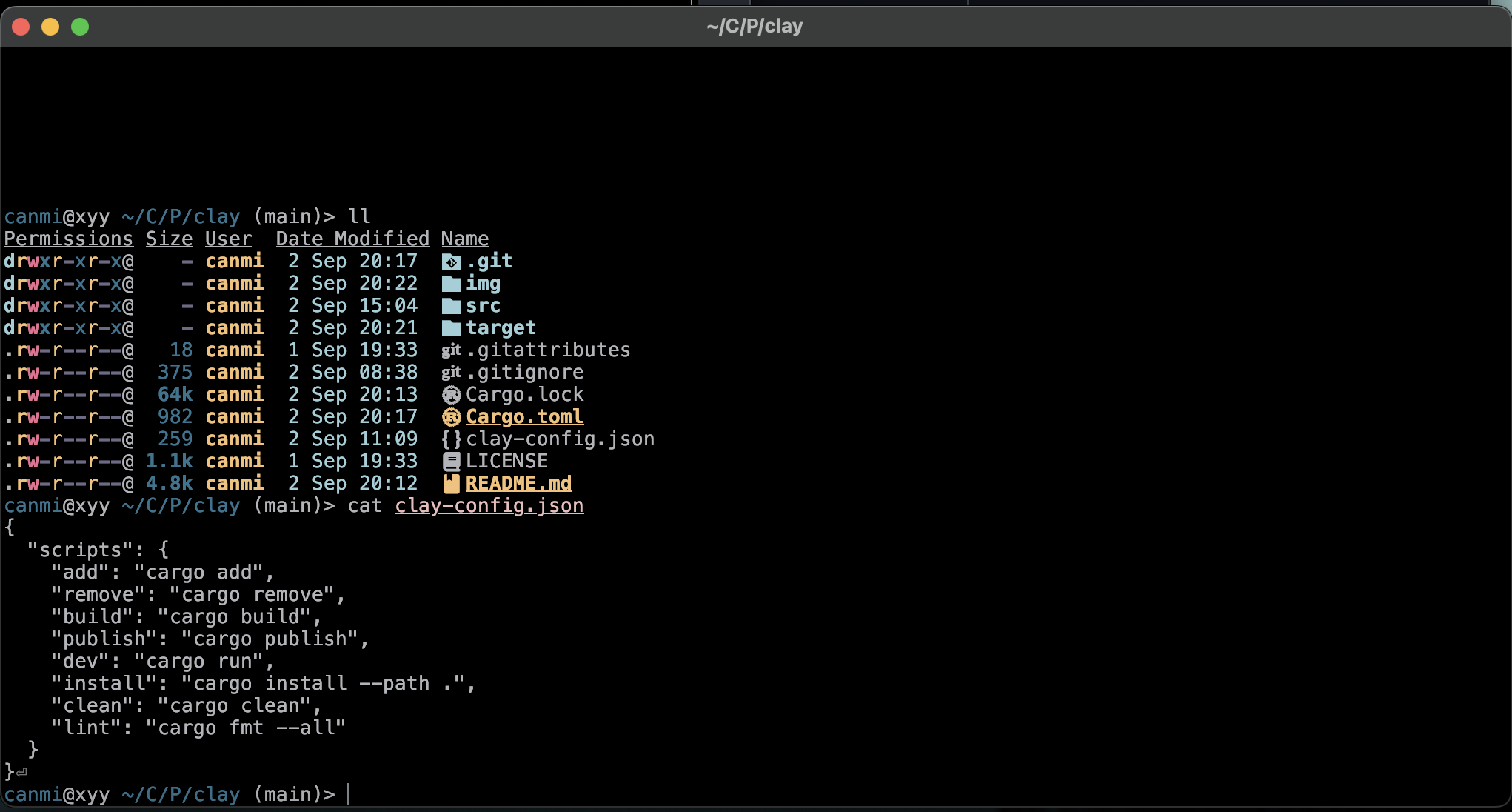
./clay-config.json): Define project-specific script implementations (e.g., what the Run or Build action should execute). Clay will automatically generate a default one for supported project types (currently Rust).
Getting Started
Installation
To install Clay, you will need Rust and Cargo installed on your system. You can then install it directly from crates.io:
cargo install clay-cli
Or, you can build from source:
git clone https://github.com/canmi21/clay.git
cd clay
cargo install --path .
Setup
-
Set your API Key (Optional): Before using the AI features, you need to set your Google Gemini API key.
clay llm tokenFollow the prompts to paste your API key.
-
Launch the TUI: Navigate to your project directory and run:
clayIf a supported project (like a Rust project with a
Cargo.toml) is detected, aclay-config.jsonfile will be created for you. -
Explore and Customize: Press
hinside the TUI to see all commands and change keybindings to your liking.