mxclear
| Crates.io | mxclear |
| lib.rs | mxclear |
| version | 0.1.0 |
| created_at | 2023-04-15 11:54:05.260442+00 |
| updated_at | 2023-04-15 11:54:05.260442+00 |
| description | `$ clear` with fashion |
| homepage | |
| repository | https://github.com/phoenixr-codes/mxclear/ |
| max_upload_size | |
| id | 839893 |
| size | 19,267 |
 Jonas (phoenixr-codes)
documentation
README
mxclear: $ clear with fashion
mxclear is an alternative to the clear command on Linux or the cls command
on Windows. Instead of just boringly ereasing the screen - why not wipe the screen
with a matrix flash?
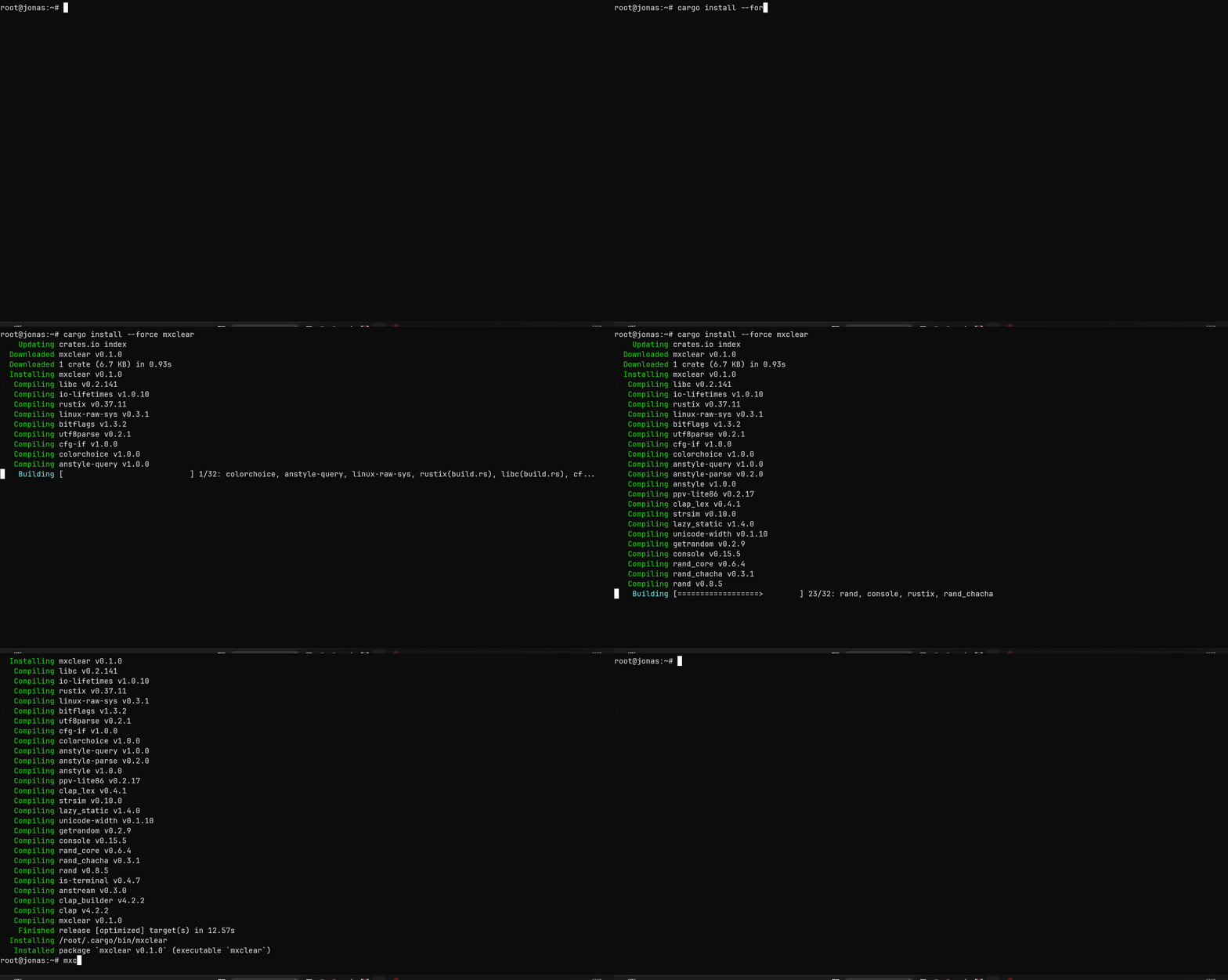
Installation
cargo install --force mxclear
Usage
Replace clear with mxclear
If you want to: replace the clear command with mxclear:
alias clear=mxclear
In order to enable this for each session, add that line to your ~/.bashrc.
To revert this change, simply remove it from the ~/.bashrc and use
unalias clear
The mxclear command
`$ clear` with fashion

Usage: mxclear [OPTIONS]

Options:
      --style <style>  Sets the style froma dotted notation [env: MXCLEAR_STYLE=] [default: green]
      --speed <speed>  Sets the intervall between updating a line in milliseconds [env: MXCLEAR_SPEED=] [default: 14]
  -h, --help           Print help
  -V, --version        Print version
Using environment variables
Environment variables can control the style and speed of the "matrix line". Simply set
MXCLEAR_STYLE and/or MXCLEAR_SPEED with a value that you could as well provide as
a command-line argument.
export MXCLEAR_STYLE=red.bold  # red and bold text
export MXCLEAR_SPEED=80        # intervall of 80 milliseconds
LICENSE
This project is licensed under eithor of
- MIT License (LICENSE-MIT or https://opensource.org/license/mit/)
- The Unlicense (LICENSE-Unlicense or https://opensource.org/license/unlicense/)
at your option.