par-fractal
| Crates.io | par-fractal |
| lib.rs | par-fractal |
| version | 0.8.1 |
| created_at | 2025-11-24 04:59:56.91688+00 |
| updated_at | 2025-12-26 15:57:19.255704+00 |
| description | Cross-platform GPU-accelerated fractal renderer with 2D and 3D support |
| homepage | https://github.com/paulrobello/par-fractal |
| repository | https://github.com/paulrobello/par-fractal |
| max_upload_size | |
| id | 1947392 |
| size | 1,452,570 |
 Paul Robello (paulrobello)
documentation
README
Par Fractal




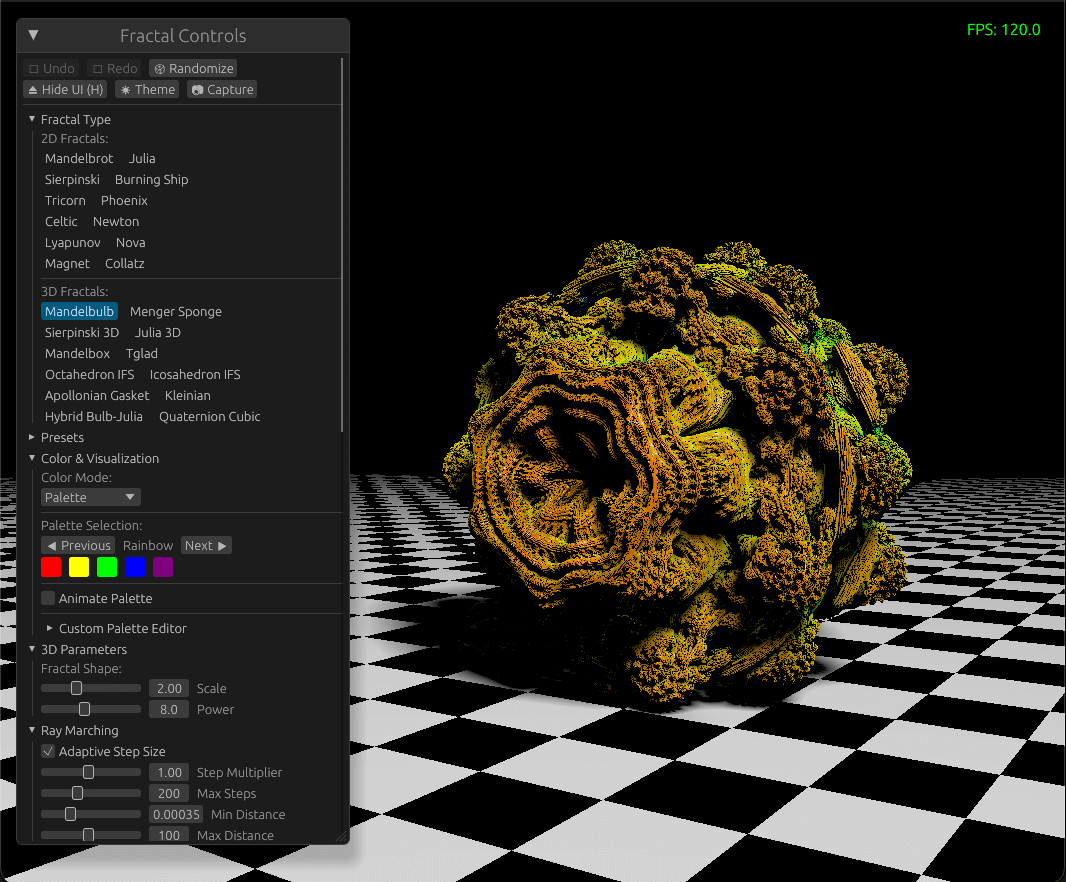
A high-performance, cross-platform GPU-accelerated fractal renderer built with Rust and WebGPU. Features stunning 2D and immersive 3D fractal visualization with advanced rendering techniques.
Quick Start
# Install from crates.io
cargo install par-fractal

# Or build from source
git clone https://github.com/paulrobello/par-fractal.git
cd par-fractal
make r

# Or download pre-built binaries from releases

# Or try it in your browser (WebGPU required)
Try Par Fractal in your browser - No installation required! (Low quality mode for slower devices)
See the Quick Start Guide for detailed instructions.
Features
- GPU-Accelerated - Efficient WebGPU rendering for 2D and 3D fractals
- 35 Fractal Types - 20 2D and 15 3D fractals including Mandelbrot, Julia, Buddhabrot, Mandelbulb, Menger Sponge, strange attractors, and more
- Variable Power - Adjustable exponent (z^n + c) for 6 escape-time fractals: Multibrot, Multicorn, Multi-ship, and more
- Advanced Rendering - PBR shading, ambient occlusion, soft shadows, depth of field
- Real-time Interaction - Smooth pan/zoom, camera controls, parameter adjustment
- Mobile Touch Support - Full gesture support: single-finger pan, two-finger pinch zoom on iOS/Android
- High-Quality Output - PNG screenshots, video recording, custom resolutions
- Productivity Tools - Command palette, presets, bookmarks, undo/redo
- Custom Palettes - 48 static palettes, 12 procedural palettes (including Fractint-style), plus custom color schemes
- Web Browser Support - Run directly in browser via WebGPU/WASM
- Performance Tuning - LOD system, quality profiles, GPU selection
See Features for complete feature documentation.
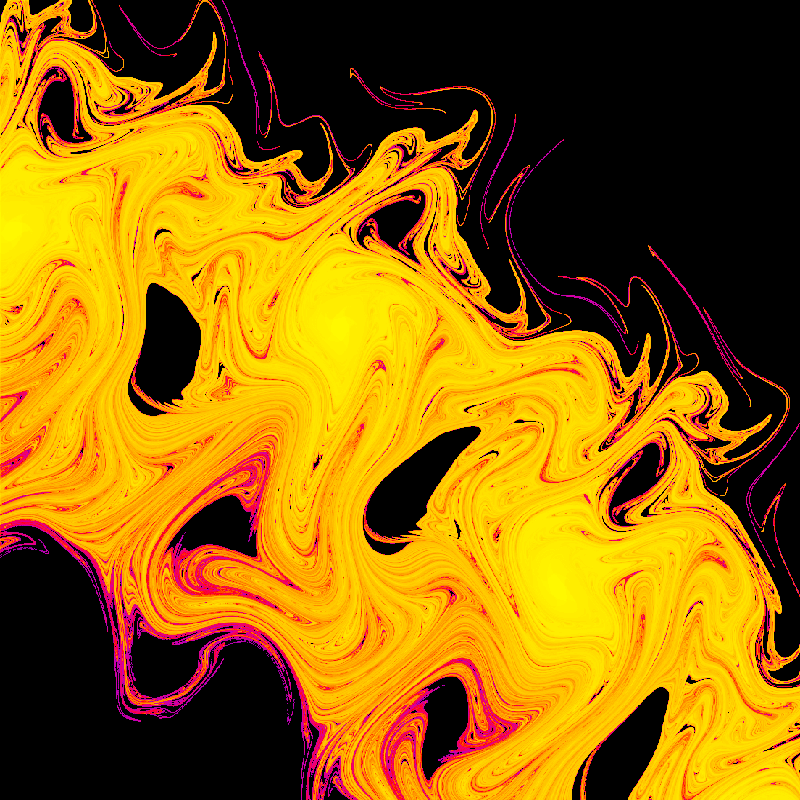
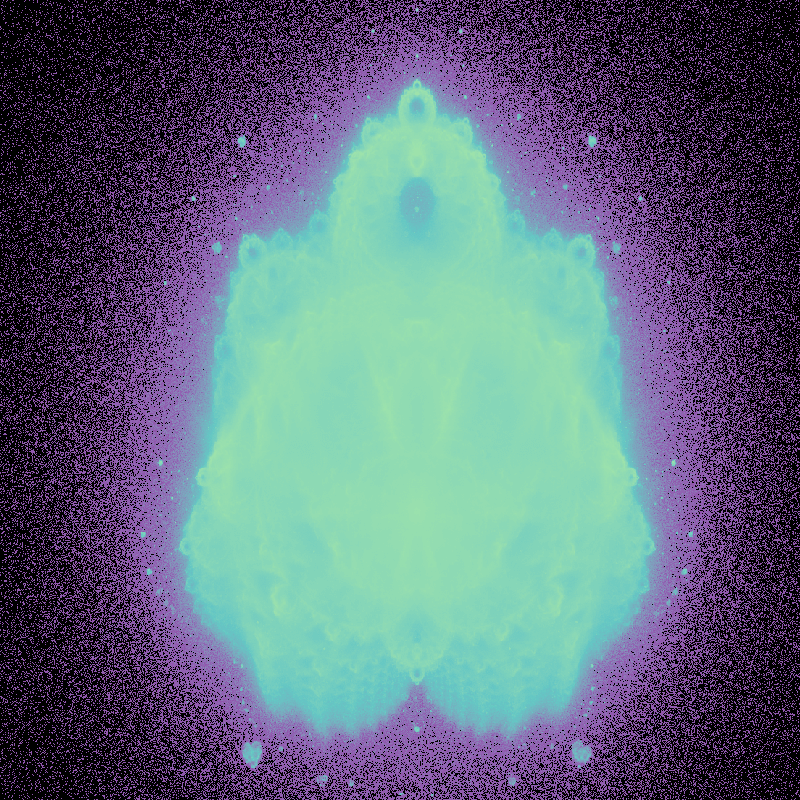
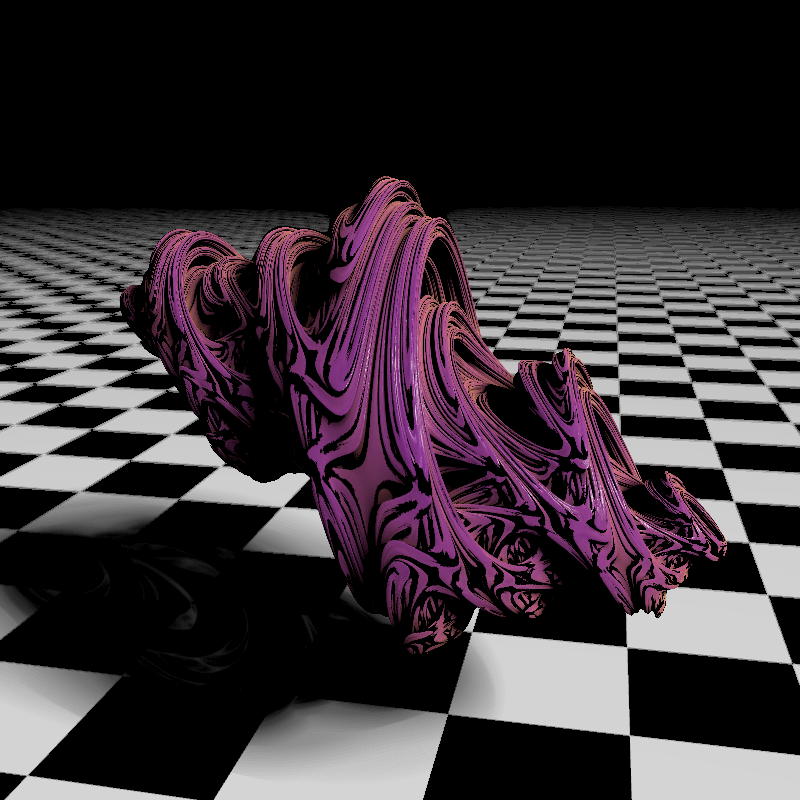
Gallery
|
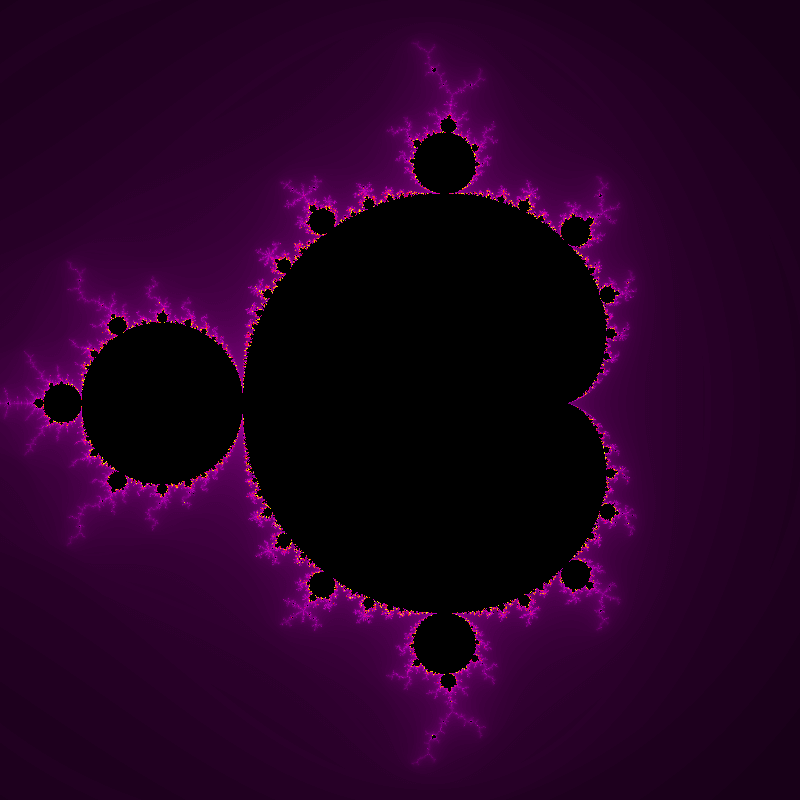
Mandelbrot Set
|
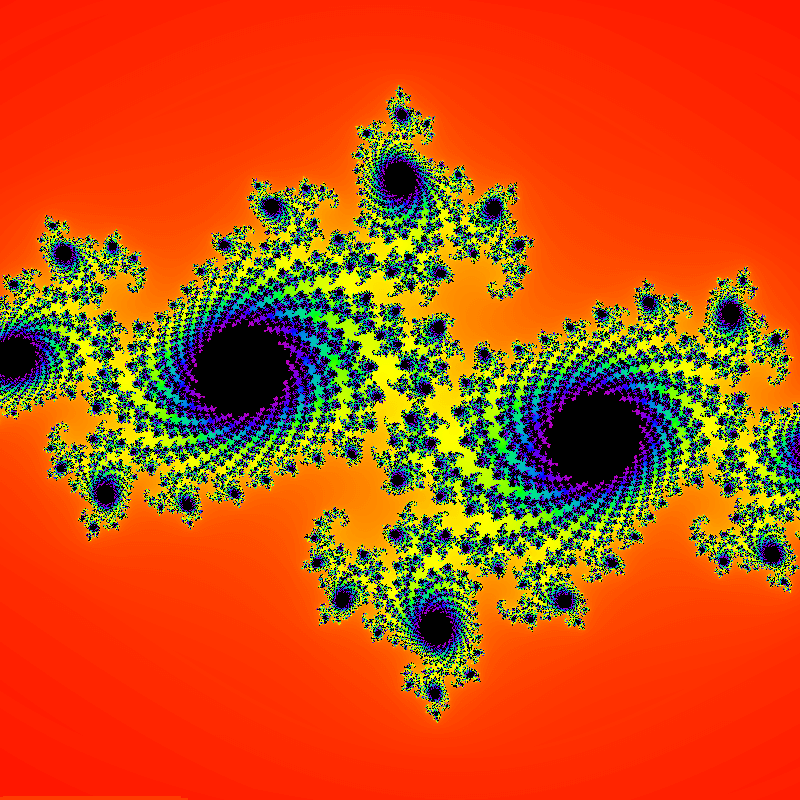
Julia Set
|
|
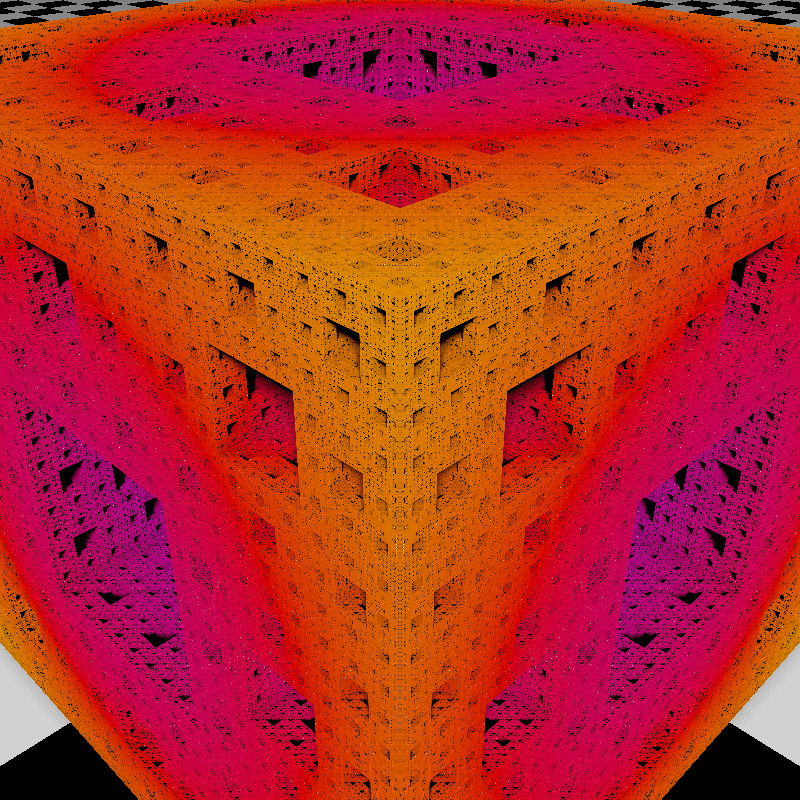
Menger Sponge
|
Mandelbox
|
|
Apollonian Gasket
|
Hopalong Attractor
|
|
Martin Attractor
|
Threeply Attractor
|
|
Buddhabrot
|
Julia Set 3D
|
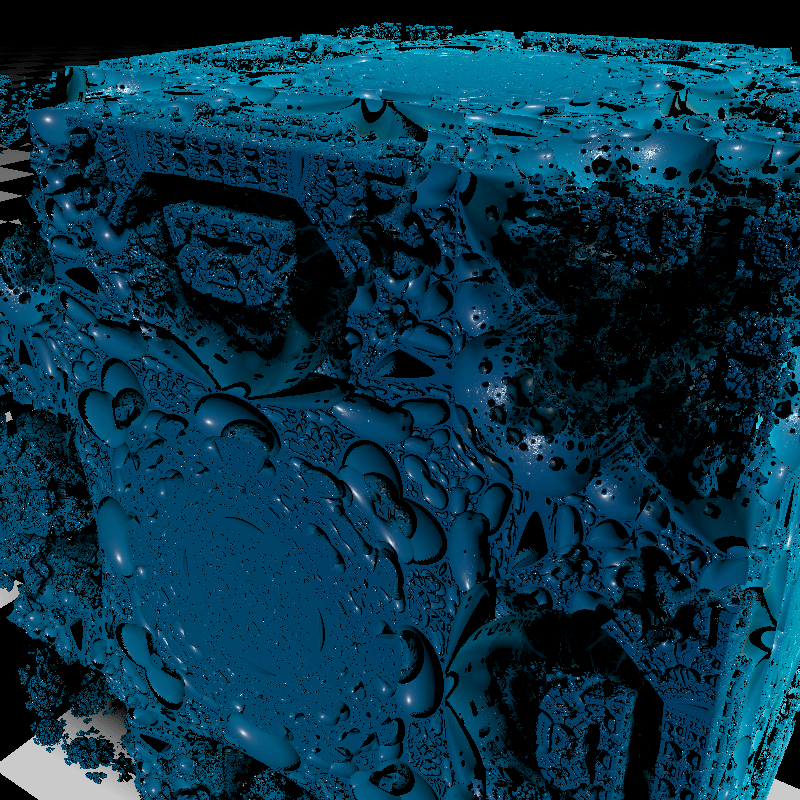
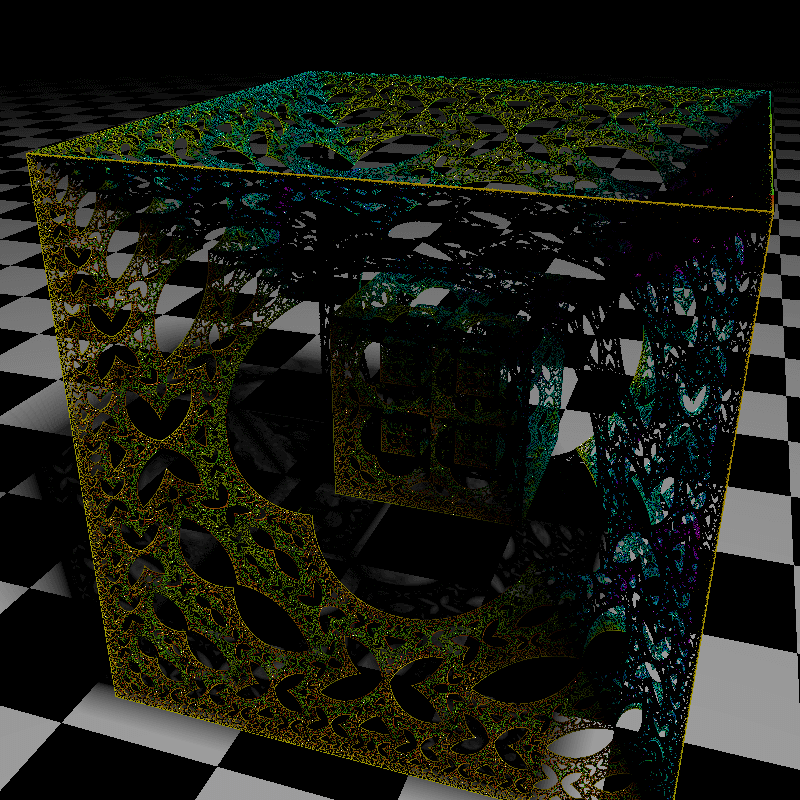
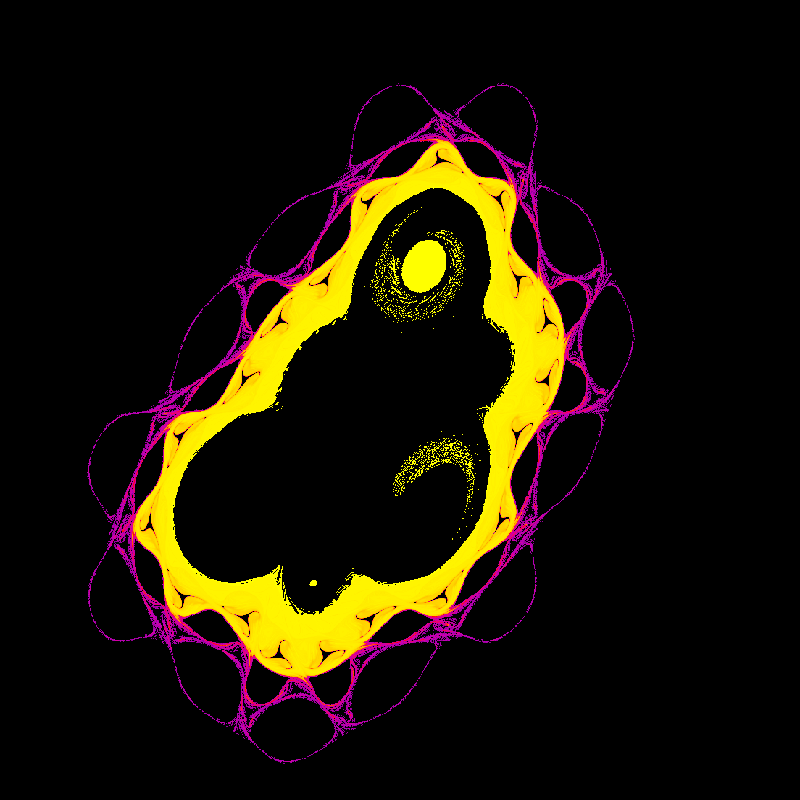
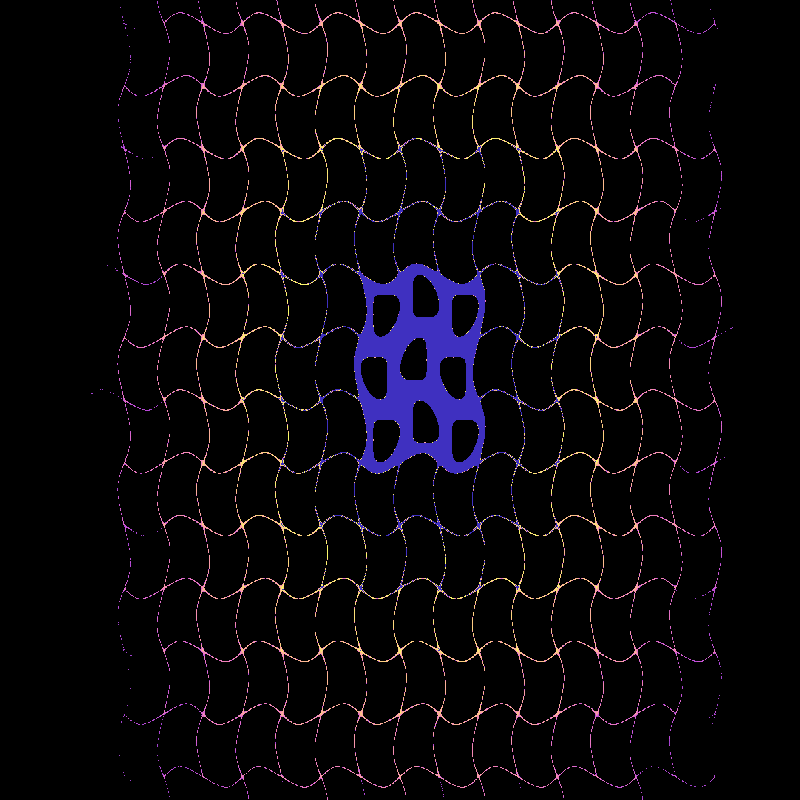
Supported Fractals
2D Fractals (20)
Escape-Time: Mandelbrot, Julia, Sierpinski Carpet, Sierpinski Triangle, Burning Ship, Tricorn, Phoenix, Celtic, Newton, Lyapunov, Nova, Magnet, Collatz
Density Visualization: Buddhabrot - escape trajectory probability distribution
Strange Attractors: Hopalong, Martin, Gingerbreadman, Chip, Quadruptwo, Threeply
3D Fractals (15)
Ray-Marched: Mandelbulb, Menger Sponge, Sierpinski Pyramid, Julia Set 3D, Mandelbox, Octahedral IFS, Icosahedral IFS, Apollonian Gasket, Kleinian, Hybrid Mandelbulb-Julia, Quaternion Cubic, Sierpinski Gasket
Strange Attractors: Pickover, Lorenz, Rossler
Command Palette
Press Ctrl/Cmd+P to open the command palette for quick access to all features:
- Fractal Selection - Switch between all 35 fractal types
- Effects - Toggle AO, shadows, DoF, fog, bloom, FXAA
- Color Modes - Palette, normals, orbit traps, debug visualization
- LOD Profiles - Balanced, Quality First, Performance First
- Recording - Screenshots, MP4/WebM/GIF video recording
- Settings - Save/load presets, import/export configurations
Features fuzzy search matching - type partial names to filter commands.
Documentation
Getting Started
- Quick Start Guide - Get up and running in 5 minutes
- 2D Fractals Guide - Explore Mandelbrot and Julia sets
- 3D Fractals Guide - Navigate Mandelbulb and Menger Sponge
Reference
- Features - Complete feature descriptions
- Controls Reference - Keyboard shortcuts and mouse actions
- Architecture - System design and implementation
- Documentation Index - Complete documentation overview
Installation
Using Cargo (Recommended)
# Install from crates.io
cargo install par-fractal

# Run the application
par-fractal
Requires Rust 1.70+. Install from rustup.rs.
Pre-built Binaries
Download pre-compiled binaries from the GitHub Releases page:
- Go to the latest release
- Download the appropriate binary for your platform
- Extract and run
macOS users: Allow the app in System Preferences → Security & Privacy if prompted.
Using Homebrew (macOS)
For macOS users, par-fractal can be easily installed using Homebrew:
# Tap the official Homebrew tap
brew tap paulrobello/par-fractal

# Install the application
brew install --cask par-fractal
Homebrew pulls the cask from the dedicated tap repository at github.com/paulrobello/homebrew-par-fractal.
From Source
# Clone repository
git clone https://github.com/paulrobello/par-fractal.git
cd par-fractal

# Build and run (optimized)
make r

# Or use cargo directly
cargo run --release
Basic Usage
# Run with default settings
par-fractal

# Or use the Makefile for development
make r              # Run in release mode
make build          # Build debug
make test           # Run tests
make clippy         # Run linter
make checkall       # Run all checks
Key Bindings
| Shortcut | Action |
|---|---|
| H | Toggle UI panel |
| R | Reset view to default |
| F9 | Take screenshot |
| Ctrl/Cmd+P | Open command palette |
| Ctrl/Cmd+Z | Undo |
| 1-4 | Quick switch fractals |
| P | Cycle static palettes |
| Shift+P | Cycle procedural palettes |
2D Mode
| Shortcut | Action |
|---|---|
| Mouse Drag | Pan around |
| Mouse Wheel | Zoom in/out |
3D Mode
| Shortcut | Action |
|---|---|
| W/A/S/D | Move forward/left/back/right |
| Space/Shift | Move up/down |
| Mouse Drag | Look around |
| Mouse Wheel | Adjust movement speed |
See Controls Reference for complete keyboard and mouse documentation.
Platform Support
Desktop
- Windows - DirectX 12 / Vulkan
- macOS - Metal
- Linux - Vulkan
Web (WebGPU)
- Chrome 113+
- Edge 113+
- Firefox 141+
- Safari 26+
Cross-platform compatibility through WebGPU (wgpu-rs).
Technology
- Rust 1.70+ - Core implementation
- wgpu - Cross-platform GPU API (WebGPU)
- winit - Window creation and event handling
- egui - Immediate mode GUI
- glam - Mathematics library
- bytemuck - Safe GPU data casting
- image - Screenshot encoding
- Trunk - Web/WASM build tool
Web Build
Build and run Par Fractal in a web browser using WebGPU:
# Install Trunk (WASM build tool)
cargo install trunk

# Build for web (release)
trunk build --release

# Development server with hot reload
trunk serve
The web version is automatically deployed to par-fractal.pardev.net on releases.
Note: The web version has most features of the desktop app except video recording and file system access (presets/bookmarks use browser localStorage).
Contributing
Contributions are welcome! Please read the contribution guidelines:
# Clone and setup
git clone https://github.com/paulrobello/par-fractal.git
cd par-fractal
cargo build

# Run quality checks
make checkall
All contributions must pass:
- Formatting (
cargo fmtormake fmt) - Linting (
cargo clippyormake clippy) - Tests (
cargo testormake test)
Resources
Performance Tips
For the best experience:
- Run in release mode (
cargo run --releaseormake r) - Ensure GPU drivers are up to date
- Start with lower iteration counts, increase gradually
- Use LOD quality profiles to balance quality and performance
- Disable effects (DoF, soft shadows) if experiencing low FPS
License
This project is licensed under the MIT License - see the LICENSE file for details.
Author
Paul Robello - probello@gmail.com
Acknowledgments
- Inspired by the mathematical beauty of fractals
- Built with the amazing Rust graphics ecosystem
- Thanks to the wgpu and egui communities
Explore the infinite complexity of mathematics through the power of GPU rendering!