review
| Crates.io | review |
| lib.rs | review |
| version | 0.4.1 |
| created_at | 2022-03-15 21:47:52.820944+00 |
| updated_at | 2022-10-24 08:15:52.950684+00 |
| description | A React-inspired framework for making client-side single-page apps |
| homepage | https://malpenzibo.github.io/review |
| repository | https://github.com/MalpenZibo/review |
| max_upload_size | |
| id | 550720 |
| size | 90,372 |
 Simone Camito (MalpenZibo)
documentation
README
reView
About
reView is a React-inspired library for didactic purposes written in Rust.
This project is inspired by a series of posts that explains how to build a React clone from scratch (https://github.com/pomber/didact). I liked the idea, so I tried to create a similar project using Rust. In the process, I take inspiration for the component macro and the hook functionality from Yew (https://github.com/yewstack/yew).
reView is not production-ready, and it's a WIP project so expect breaking changes between versions.
Documentations
Read the reView Book
Read the reView Docs
Setup Environment
If you don't already have it installed, it's time to install Rust: https://www.rust-lang.org/tools/install.
The rest of this guide assumes a typical Rust installation that contains both rustup and Cargo.
To compile Rust to WASM, we need to have the wasm32-unknown-unknown target installed.
If you don't already have it, install it with the following command:
rustup target add wasm32-unknown-unknown
Now that it's time to install: Trunk.
Simply run the following command to install it:
cargo install trunk wasm-bindgen-cli
Start a new project
To create a project new project, you could use the standard template with cargo generate
Install cargo-generate by following their installation instructions, then run the following command:
cargo generate --git https://github.com/malpenzibo/review-template
That's it!! You're ready to go!!
Simple counter
Now you can create your first application. Inside the project remove all the style from index.scss. Then open the app.rs file and change the app function with the following code:
#[component(App)]
pub fn app() -> VNode {
    let (state, set_state) = use_state(0);

    Div.with_children(children!(
        format!("Current value {}", state),
        Button
            .with_child("Increase counter")
            .with_event(OnClick, callback!(move || { set_state(*state + 1) }))
    ))
    .into()
}
That's it, a simple button that increments a counter :D
reView Example
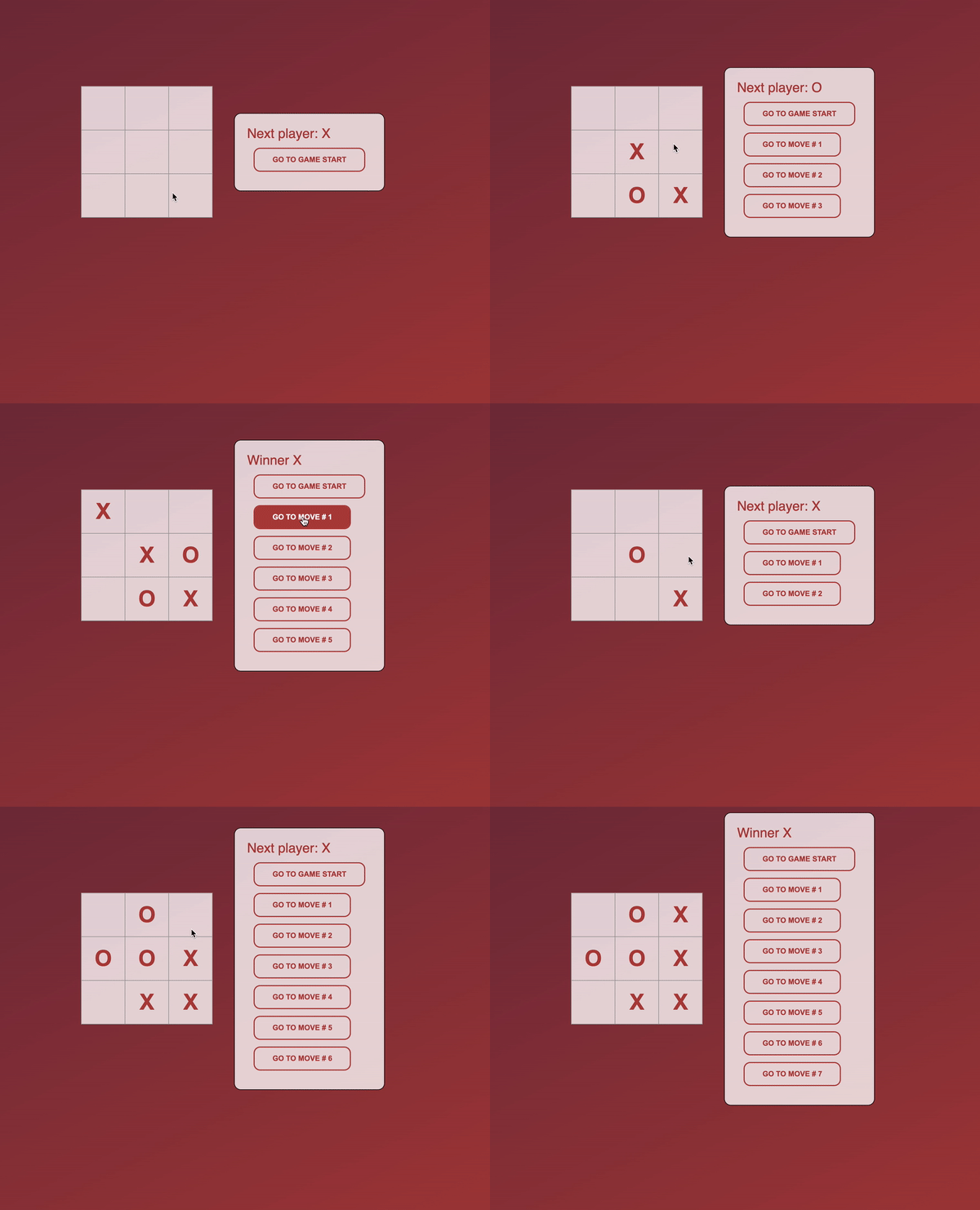
I implemented a simple Tic Tac Toe game like in the standard React tutorial https://reactjs.org/tutorial/tutorial.html
Play reView Tic Tac Toe here: https://malpenzibo.github.io/review/tictactoe