rough_plotters_svg
| Crates.io | rough_plotters_svg |
| lib.rs | rough_plotters_svg |
| version | 0.1.0 |
| created_at | 2025-10-24 16:18:45.021953+00 |
| updated_at | 2025-10-24 16:18:45.021953+00 |
| description | Draw Hand Sketched 2D Charts and Plots Using Plotters |
| homepage | https://github.com/orhanbalci |
| repository | https://github.com/orhanbalci/rough-rs.git |
| max_upload_size | |
| id | 1898716 |
| size | 2,494,814 |
 Orhan Balci (orhanbalci)
documentation
README
rough_plotters_svg



Rough Plotters SVG
A rough/sketchy style wrapper around the plotters-svg backend for the Plotters
plotting library. This crate provides a DrawingBackend implementation that intercepts drawing calls and applies
rough, hand-drawn style transformations to geometric primitives like lines, rectangles, circles, and paths.
Features
- Drop-in replacement for
plotters-svg::SVGBackend - Rough styling applied to all geometric primitives
- Configurable roughness with full control over rough options
- Multiple fill styles including hachure, cross-hatch, zigzag, and more
- Compatible with the entire Plotters ecosystem
Quick Start
Add this to your Cargo.toml:
[dependencies]
rough_plotters_svg = "0.0.0"
plotters = "0.3"
roughr = "0.13"
Basic Usage
use rough_plotters_svg::RoughSVGBackend;
use plotters::prelude::*;
use roughr::core::{FillStyle, Options};

fn main() -> Result<(), Box<dyn std::error::Error>> {
    // Configure rough styling
    let mut options = Options::default();
    options.fill_style = Some(FillStyle::Hachure);
    options.roughness = Some(2.0);
    options.stroke_width = Some(1.5);

    // Create backend with rough styling
    let backend = RoughSVGBackend::with_options("chart.svg", (800, 600), options);
    let root = backend.into_drawing_area();
    root.fill(&WHITE)?;

    // Use with plotters as normal - all shapes will be rough styled
    let mut chart = ChartBuilder::on(&root)
        .caption("Rough Chart", ("serif", 40))
        .margin(20)
        .x_label_area_size(40)
        .y_label_area_size(50)
        .build_cartesian_2d(0f32..10f32, 0f32..100f32)?;

    chart.configure_mesh().draw()?;

    chart.draw_series(
        (0..10).map(|x| Rectangle::new([(x as f32, 0f32), (x as f32 + 0.8, x as f32 * 10f32)], RED.filled()))
    )?;

    root.present()?;
    Ok(())
}
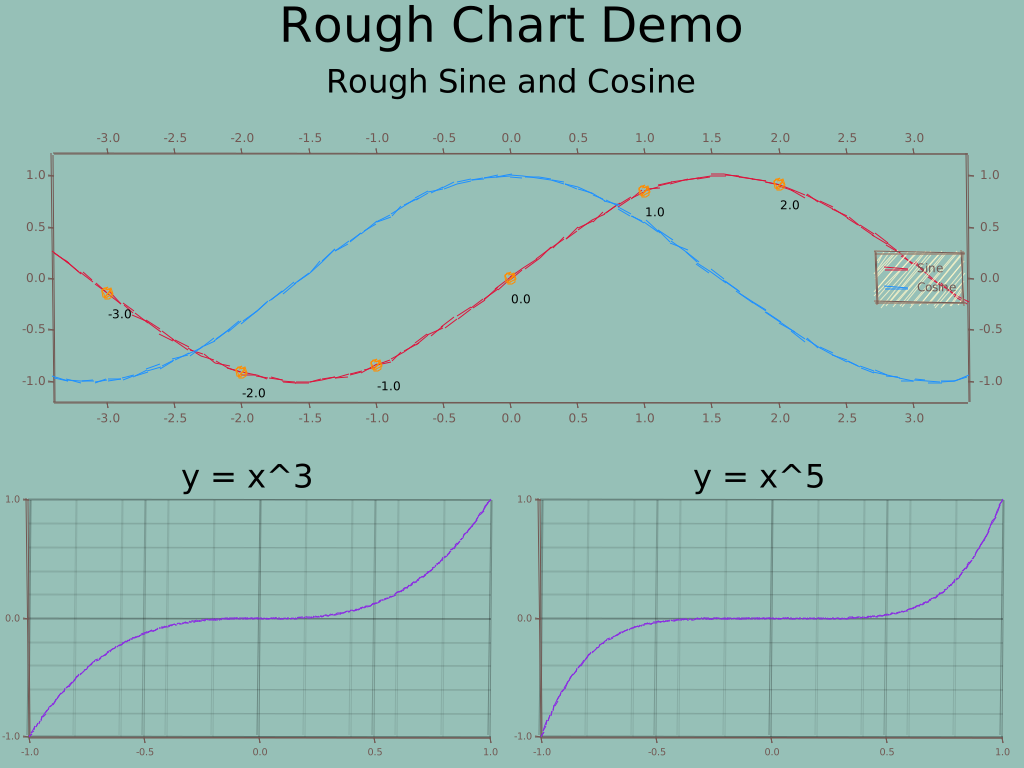
Fill Styles Showcase
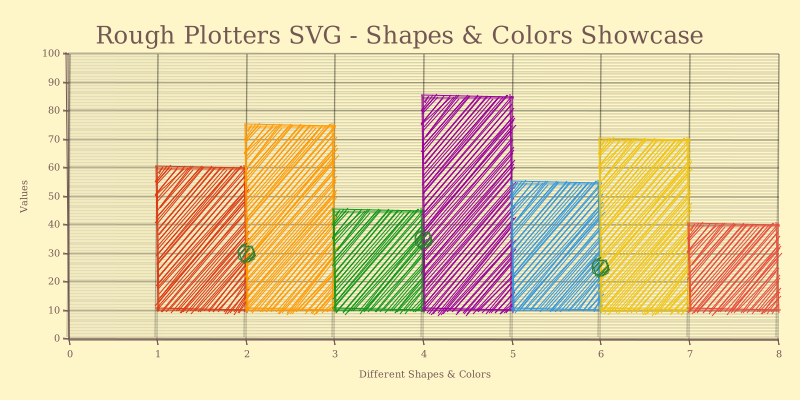
Working with Fill Styles
use rough_plotters_svg::RoughSVGBackend;
use plotters::prelude::*;
use roughr::core::{FillStyle, Options};

fn create_chart_with_fill_style(fill_style: FillStyle, filename: &str) -> Result<(), Box<dyn std::error::Error>> {
    let mut options = Options::default();
    options.fill_style = Some(fill_style);
    options.stroke_width = Some(2.0);
    options.roughness = Some(1.0);

    let backend = RoughSVGBackend::with_options(filename, (400, 300), options);
    let root = backend.into_drawing_area();
    root.fill(&RGBColor(254, 246, 201))?; // Cream background

    let mut chart = ChartBuilder::on(&root)
        .caption(&format!("Fill Style: {:?}", fill_style), ("Arial", 20))
        .margin(10)
        .build_cartesian_2d(0..10, 0..100)?;

    chart.configure_mesh().draw()?;

    // Draw some shapes with the fill style
    chart.draw_series(
        [(2, 30), (4, 50), (6, 70), (8, 90)]
            .iter()
            .map(|(x, y)| Rectangle::new([(*x, 0), (*x + 1, *y)], BLUE.filled()))
    )?;

    chart.draw_series(
        std::iter::once(Circle::new((5, 50), 15, RED.filled()))
    )?;

    root.present()?;
    Ok(())
}
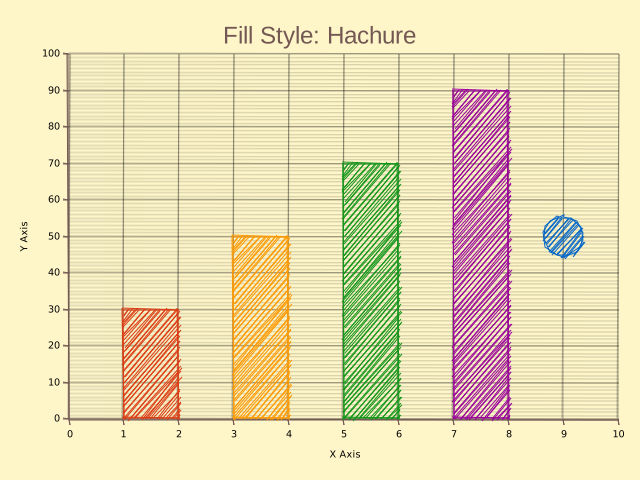
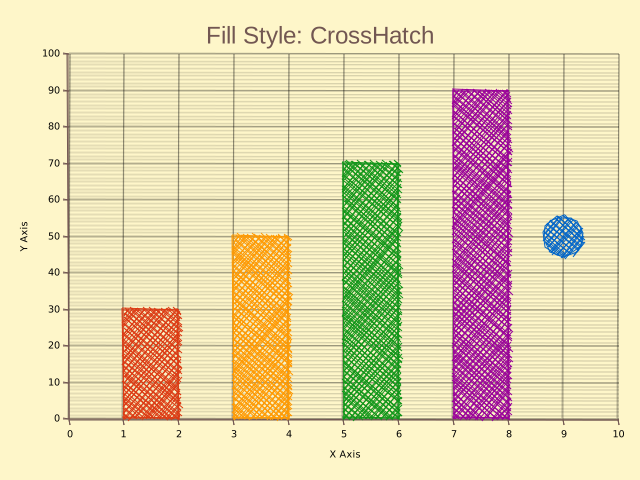
Available Fill Styles
FillStyle::Solid- Solid color fillFillStyle::Hachure- Parallel line hatching (default)FillStyle::ZigZag- Zigzag pattern fillFillStyle::CrossHatch- Cross-hatched patternFillStyle::Dots- Dotted pattern fillFillStyle::Dashed- Dashed line patternFillStyle::ZigZagLine- Zigzag line pattern
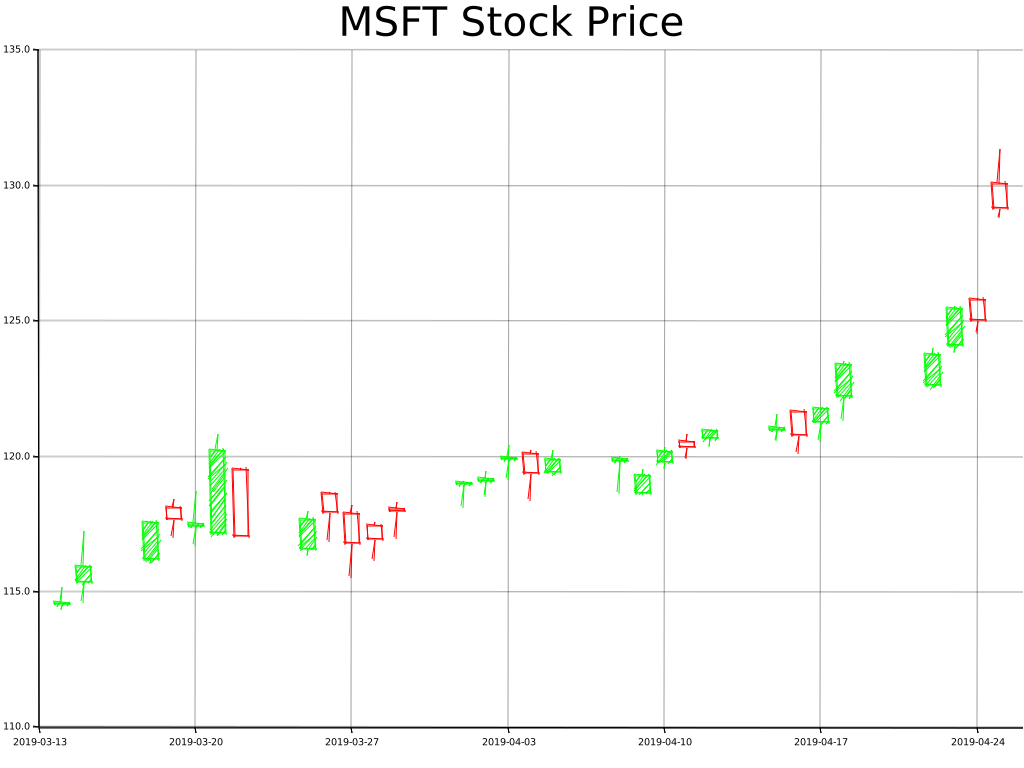
Stock Chart Example
Rough styling works great with financial charts:
String-based Backend
For in-memory SVG generation:
use rough_plotters_svg::RoughSVGBackend;
use roughr::core::Options;

let mut svg_string = String::new();
let backend = RoughSVGBackend::with_string_and_options(&mut svg_string, (640, 480), Options::default());
// ... use backend normally ...
// svg_string now contains the generated SVG
🔭 Examples
For more examples have a look at the examples folder.
You can run examples with:
cargo run --example chart
cargo run --example showcase
cargo run --example all_fill_styles
cargo run --example stock
📝 License
Licensed under MIT License (LICENSE).
🚧 Contributions
Unless you explicitly state otherwise, any contribution intentionally submitted for inclusion in this project by you, as defined in the MIT license, shall be licensed as above, without any additional terms or conditions.