tappi-share
| Crates.io | tappi-share |
| lib.rs | tappi-share |
| version | 1.0.1 |
| created_at | 2025-12-05 17:19:19.192301+00 |
| updated_at | 2025-12-05 18:06:48.225923+00 |
| description | A modern TUI p2p file sharing app |
| homepage | |
| repository | https://github.com/NoelleStern/Tappi-share |
| max_upload_size | |
| id | 1968776 |
| size | 4,607,543 |
 Noelle Stern (NoelleStern)
documentation
README
Tappi-share🧋
A simple yet powerful p2p file sharing application powered by Rust.
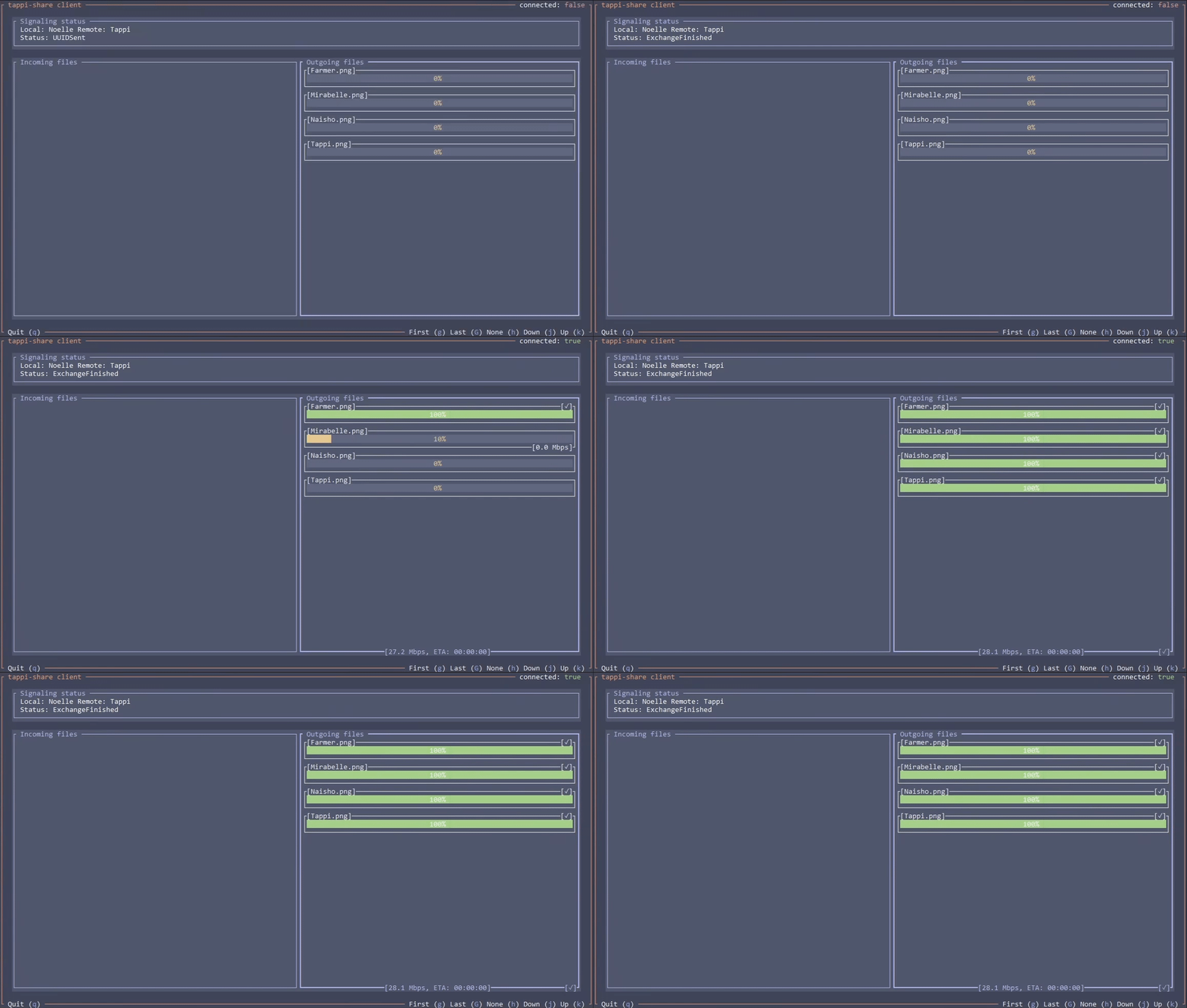
 |
Why Tappi-share? If you always wanted a simple, open-source, secure and P2P file-sharing solution, then I might suit you! Please, give me a shot! |
Features🔥
- 🚀 Effortless no-server* two-way file sharing
- 🔒 Secure WebRTC-based P2P connection
- 📁 Folder sharing
- 🛜 Multiple signaling protocols:
- Integrated WebSocket server
- Manual
- MQTT
*If WebRTC manages to establish a direct connection no relay server is needed
Getting started👋
Assuming you have Rust and Cargo installed, you can download the app by running:
cargo install tappi-share
Then, to send your files, simply launch the app in client mode, add your files, pick the protocol, the most convenient being MQTT, and then you just have to fill the mandatory protocol flags like in this case local name and remote name:
👉 Note: the -f flag is hungry and so ; terminator might come in handy.
tappi-share client -f file1.ext file2.ext ; mqtt -l name1 -r name2
To now receive the files you can launch the client like this:
tappi-share client mqtt -l name2 -r name1
To launch the WebSocket-based signaling server, you can just do the following:
👉 Note: signaling server is currently not production-ready and mostly exists for debugging purposes.
tappi-share server
And, lastly, to see all of the available application options don't hesitate to make use of the -h flag:
tappi-share -h
Roadmap🎯
- 📄 Advanced logging
- 👑 Migration to tui-realm
- 🔄 Persistent progress on disconnect
- 🔒 Signaling server encryption
- 💭 Text chat
How to setup a TURN relay server📡
In case WebRTC fails to establish a direct connection, you might want to setup a relay server. Let's do it using Docker!
Sample docker-compose.yml:
services:
  coturn:
    image: instrumentisto/coturn
    container_name: coturn
    restart: unless-stopped
    network_mode: "host"
    volumes:
      - ./turnserver.conf:/etc/coturn/turnserver.conf:ro
Sample turnserver.conf:
# Listening ports
listening-port=3478
tls-listening-port=5349

# Relay port range
min-port=49160
max-port=49200

# External IP
external-ip=<YOUR_PUBLIC_IP>

# Realm (an arbitrary string, usually your domain)
realm=<YOUR_DOMAIN_NAME>

# Authentication method
lt-cred-mech
user=<USER>:<PASSWORD>

# Misc
fingerprint
no-multicast-peers
Now you can run the following command to start the container:
docker-compose up -d
Don't forget to make sure 3478 UDP/TCP, 5349 TCP and 49160-49200 UDP ports are open on your server. Now you should be able to access it as turn:<YOUR_PUBLIC_IP>:3478.
To quickly remove the container simply run:
docker rm -f coturn